
Quick Answer
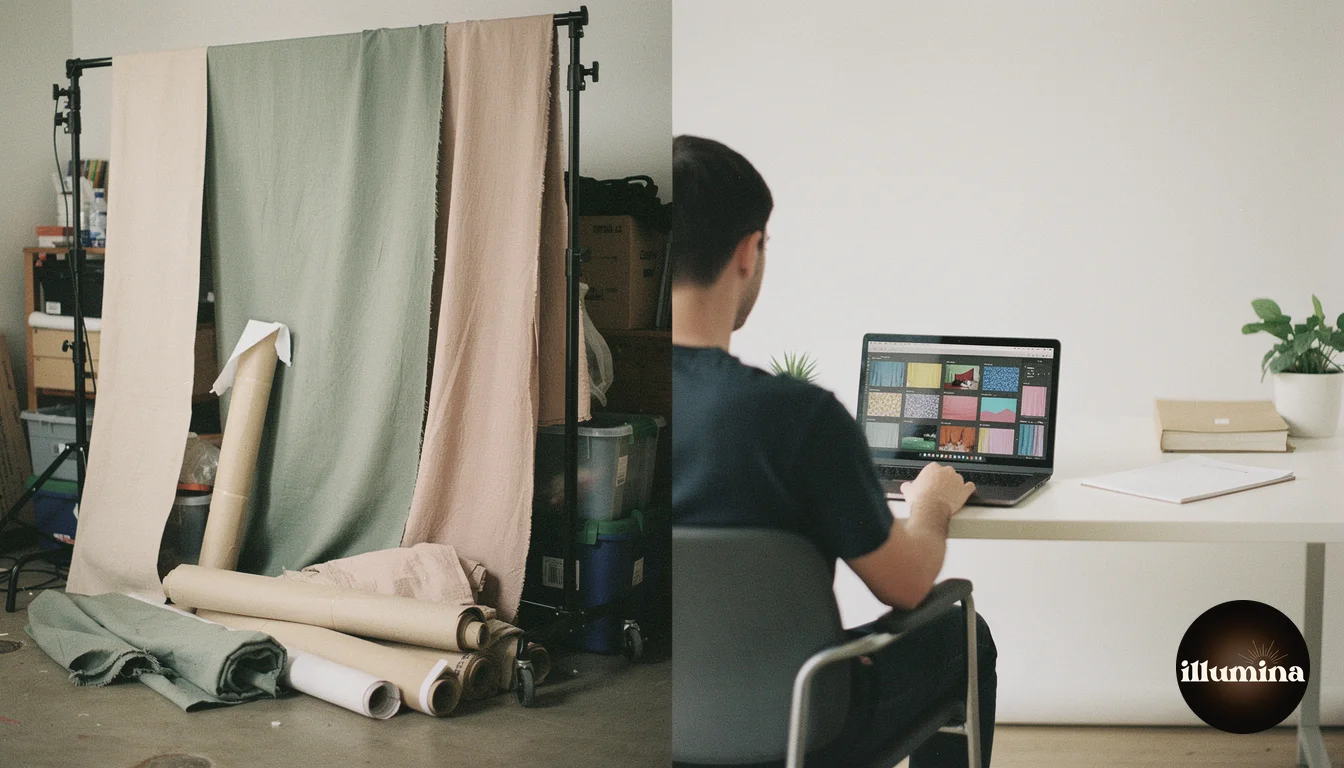
Digital backdrops win on cost, variety, storage, and creative flexibility. Physical backdrops win on simplicity and zero post-production. If you shoot volume work (sports teams, school photos, mini sessions) or want to offer clients dozens of scene options, digital backdrops are the clear choice. If you do simple studio headshots with one or two classic looks and hate editing, physical backdrops still have a place. Most working photographers end up using both, but digital backdrops are where the industry is heading because the quality has caught up and the business advantages are too significant to ignore.
This guide breaks down the real differences between digital and physical backdrops across cost, quality, workflow, storage, versatility, and client experience so you can make the right investment for your photography business.
What Are Digital Backdrops
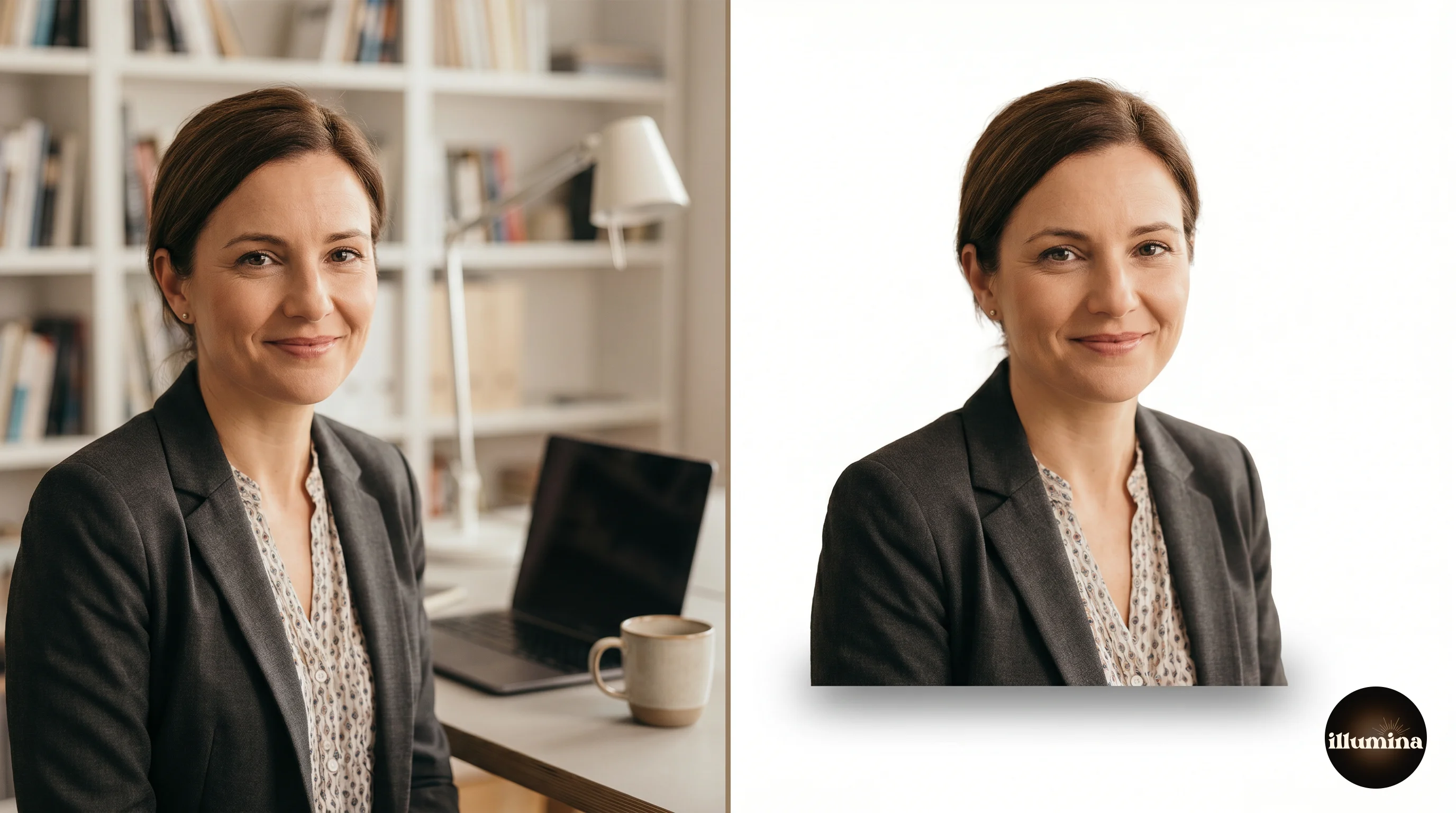
Digital backdrops are high-resolution images designed to be composited behind a subject in post-production. You photograph your subject against a plain backdrop (usually gray or white), remove the background in editing software, and place the subject onto the digital scene. The final image looks like the subject was photographed at that location.
Modern digital backdrops are not the cheesy clip-art backgrounds from the early 2000s. Professional-grade digital backdrops are photorealistic scenes created with AI generation, 3D rendering, or high-end photography. They include proper lighting direction, depth of field, and atmospheric perspective that match studio-lit subjects naturally. When composited correctly, the result is indistinguishable from an on-location shoot.
Digital backdrops come in every category: sports stadiums, nature scenes, studio textures, holiday themes, urban environments, fantasy landscapes, and abstract artistic designs. A single photographer can own hundreds of scenes for less than the cost of three physical backdrops.
What Are Physical Backdrops
Physical backdrops are tangible materials that hang behind the subject during a photo shoot. They come in several types: seamless paper rolls (single-use, solid colors), muslin fabric (reusable, often painted or dyed), vinyl (printed scenes, wipe-clean), canvas (hand-painted, premium), and collapsible pop-up backgrounds (portable, limited options).
Physical backdrops are the traditional approach to studio photography. They require no post-production beyond basic retouching, and what you see through the viewfinder is essentially what the client gets. The simplicity is the main selling point.
Cost Comparison
This is where the gap is widest and where digital backdrops make the strongest case.
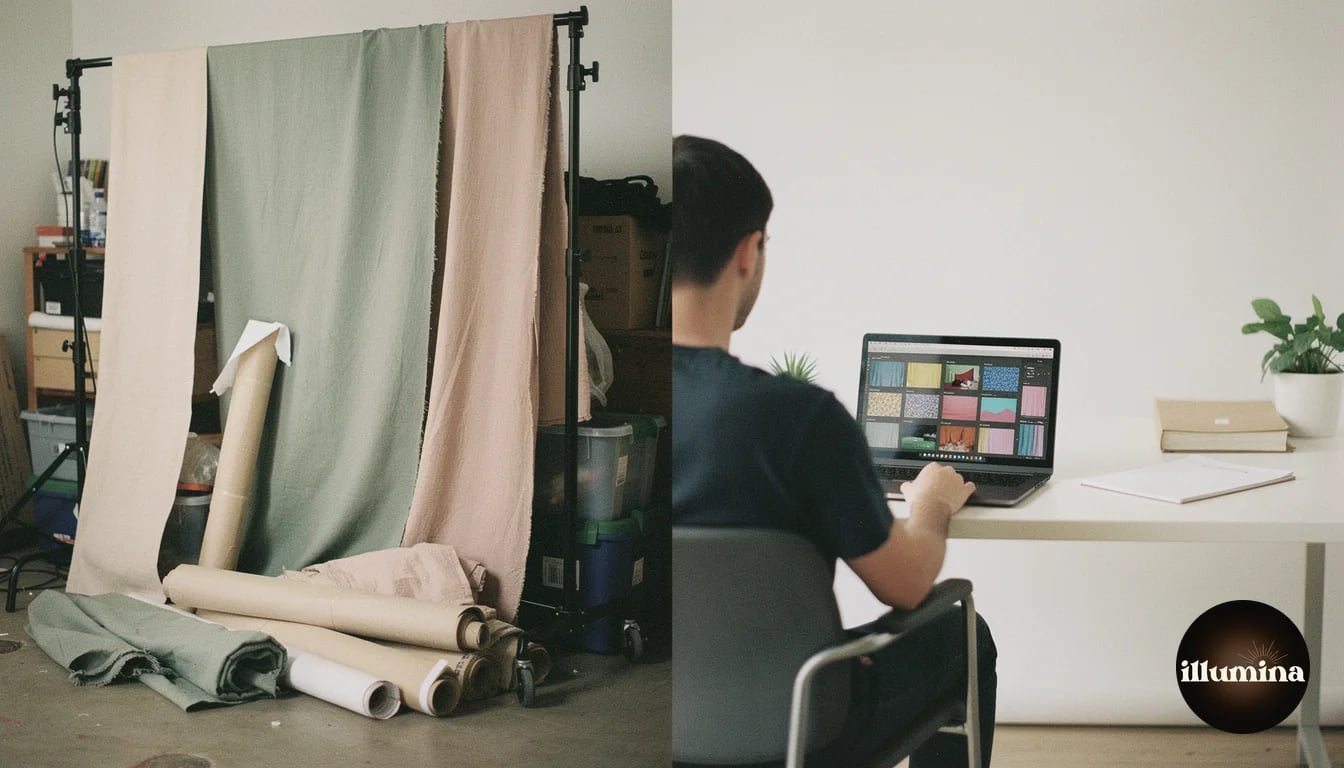
A single muslin fabric backdrop costs $40-150 depending on size and quality. A hand-painted canvas backdrop from a premium manufacturer runs $200-800. Seamless paper rolls cost $25-60 each but are single-use and need replacing regularly. A backdrop stand system costs $50-200. To offer clients five different looks, you are investing $300-1,000 in physical materials alone.
A set of 50 professional digital backdrops costs $20-40. A comprehensive library of 200+ scenes across multiple categories runs $100-200 total. That library gives you more variety than any physical studio could hold, and the cost per scene is measured in cents, not dollars. There is no shipping cost, no replacement cost, and no per-session consumable cost.
The ongoing costs tell the same story. Physical backdrops wrinkle, stain, tear, and fade. Muslin needs steaming before every shoot. Seamless paper tears and needs cutting after every session. Canvas backdrops develop scuff marks from shoes and equipment. Digital backdrops never degrade. The file you bought three years ago looks exactly the same as it did on day one.
Calculate your cost per image, not cost per backdrop. A $150 physical backdrop used for 100 sessions costs $1.50 per session. A $25 digital backdrop set used for 100 sessions costs $0.25 per session and gives you 50 options instead of one. The per-session economics of digital backdrops are an order of magnitude better.
Quality and Realism
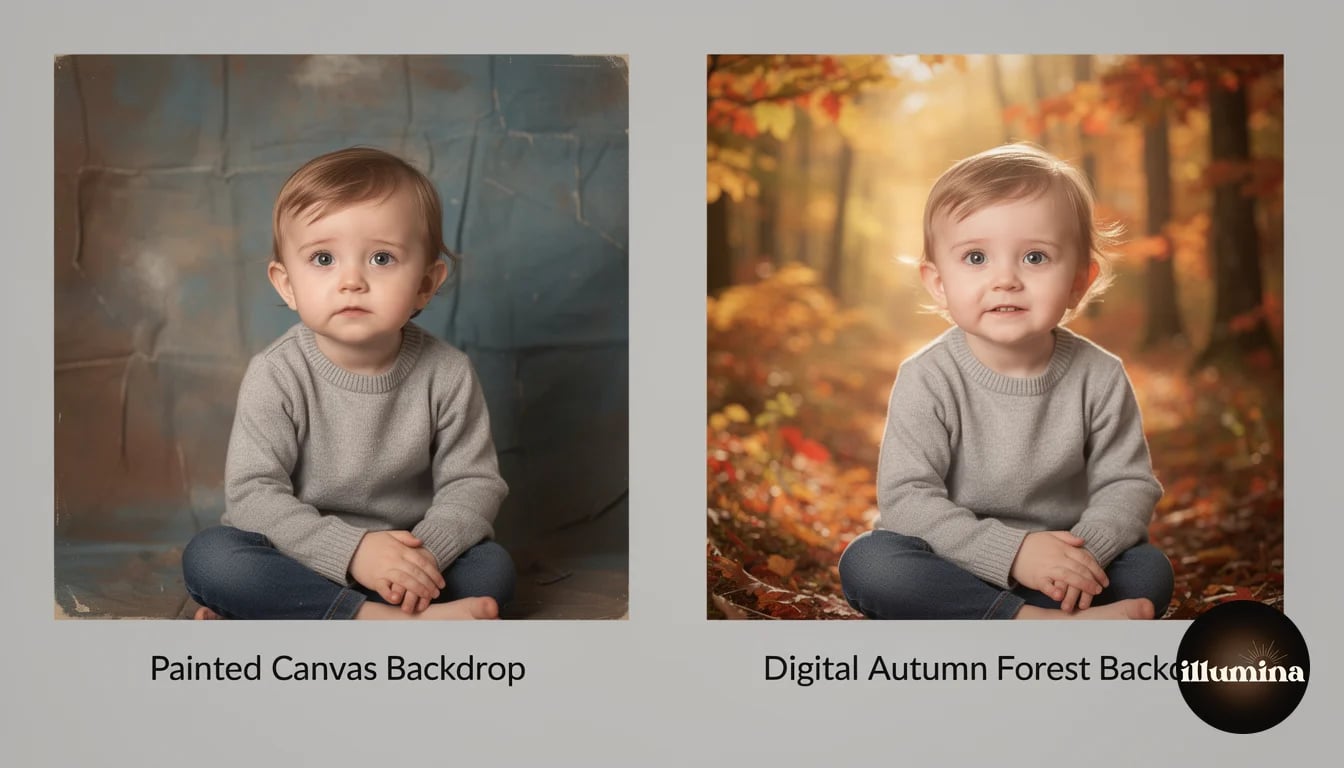
This used to be the argument against digital backdrops. Five years ago, most digital composites looked obviously fake. Bad edge detection, mismatched lighting, floating subjects with no shadows. That argument is outdated.
Modern selection tools in Photoshop handle hair, fabric, and complex edges with remarkable accuracy. AI-powered tools like Select Subject do in one click what used to take 30 minutes of manual masking. The quality gap has closed to the point where well-executed composites are indistinguishable from location photos to anyone except a trained eye looking specifically for compositing artifacts.
Physical backdrops still have inherent quality advantages in one area: they interact with real light. A physical backdrop catches the same light as the subject, creating natural color spill and ambient interaction that composites have to simulate manually. A white backdrop bounces fill light onto the subject. A dark backdrop absorbs it. These interactions happen automatically with physical backdrops and require intentional editing with digital ones.
But physical backdrops have quality limitations too. Fabric wrinkles are visible in every shot unless you spend time steaming before each session. Painted canvases show brush strokes and texture that may or may not suit the image. Seamless paper shows scuffs, footprints, and tears after a few subjects walk on it. Physical backdrops degrade during use. Digital backdrops are pixel-perfect every time.
Workflow and Time
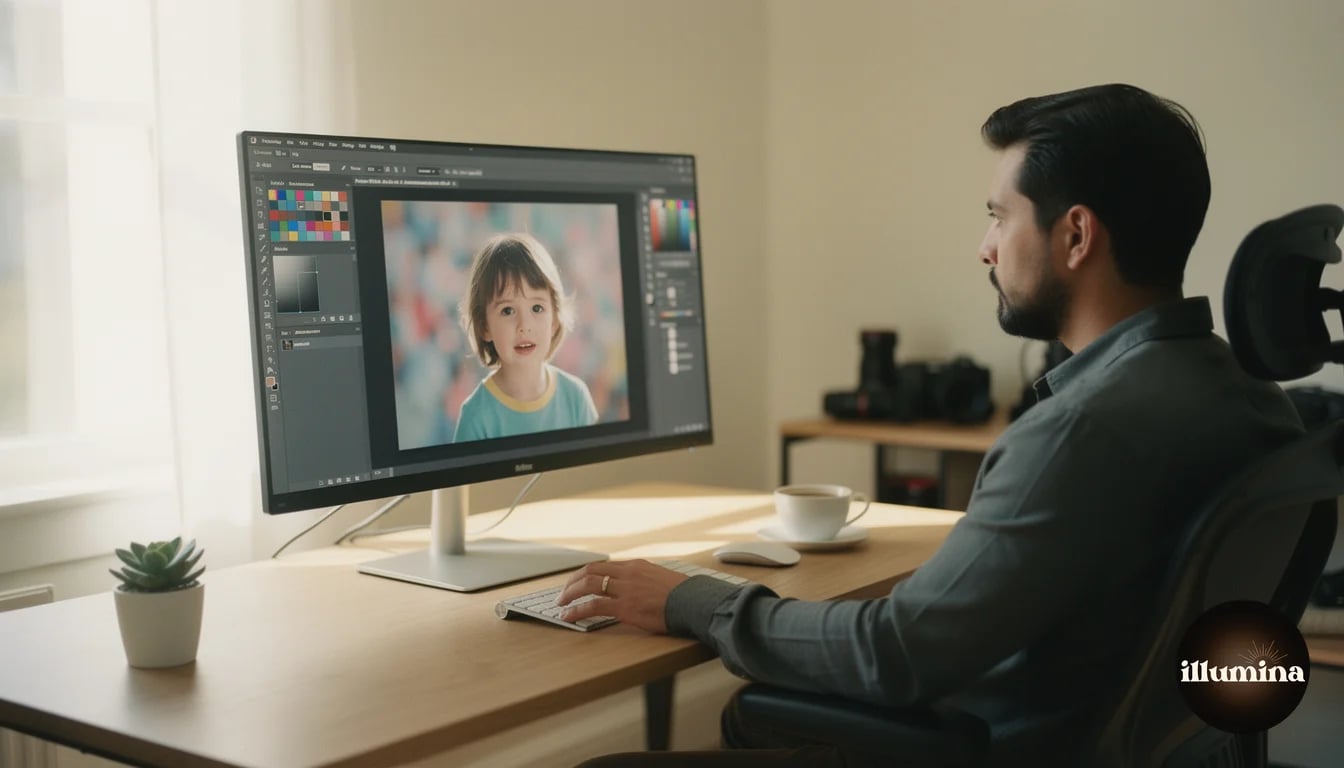
Physical backdrop workflow: hang the backdrop, steam out wrinkles (10-15 minutes), position lights to illuminate both the subject and the backdrop evenly, shoot, and deliver. Post-production is minimal. The total workflow is front-loaded with setup time but light on editing.
Digital backdrop workflow: hang a plain gray backdrop (no steaming needed), light the subject only (simpler lighting), shoot, remove background in editing (2-5 minutes per image with modern tools), composite onto the chosen backdrop, color match and add shadows (3-5 minutes per image). The total workflow is lighter on setup but heavier on post-production.
For a single portrait session producing 10 final images, the total time is roughly comparable. Physical backdrops might save you 30 minutes of editing but cost you 20 minutes of setup and steaming. Digital backdrops cost you 50-80 minutes of compositing but save you setup time and give you the ability to offer multiple scenes from one shooting session.
Where digital backdrops pull ahead dramatically is volume work. Shooting 15 athletes against a gray backdrop takes the same time regardless of how many final backdrop options you offer. With physical backdrops, offering three different looks means setting up three different backdrops and re-shooting each athlete three times. With digital backdrops, you shoot once and composite onto as many scenes as the client wants. For a team of 15 with three backdrop options, that is the difference between 45 individual shooting setups and 15.
Batch compositing is the digital backdrop superpower. Once you dial in your Photoshop action or preset for a specific backdrop, you can process a batch of 20 subjects in under an hour. Try changing physical backdrops 20 times in an hour. It is not possible, and that is the fundamental efficiency advantage of digital.
Transform Your Photos
Give Your Photos the Wow Factor
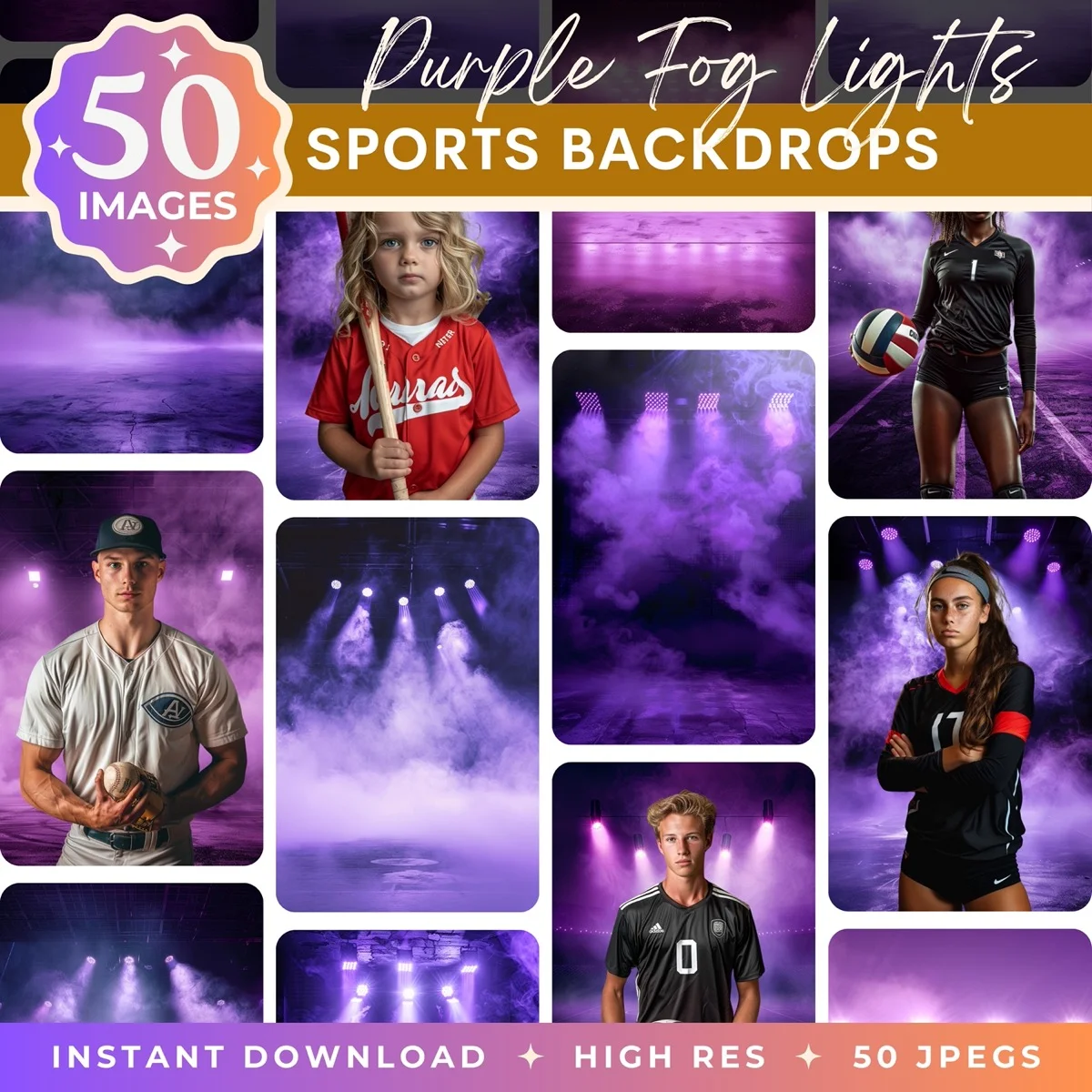
Browse our collection of premium digital photo backdrops. 50 high-resolution print-ready backgrounds in each pack. Instant download.
Browse Backdrops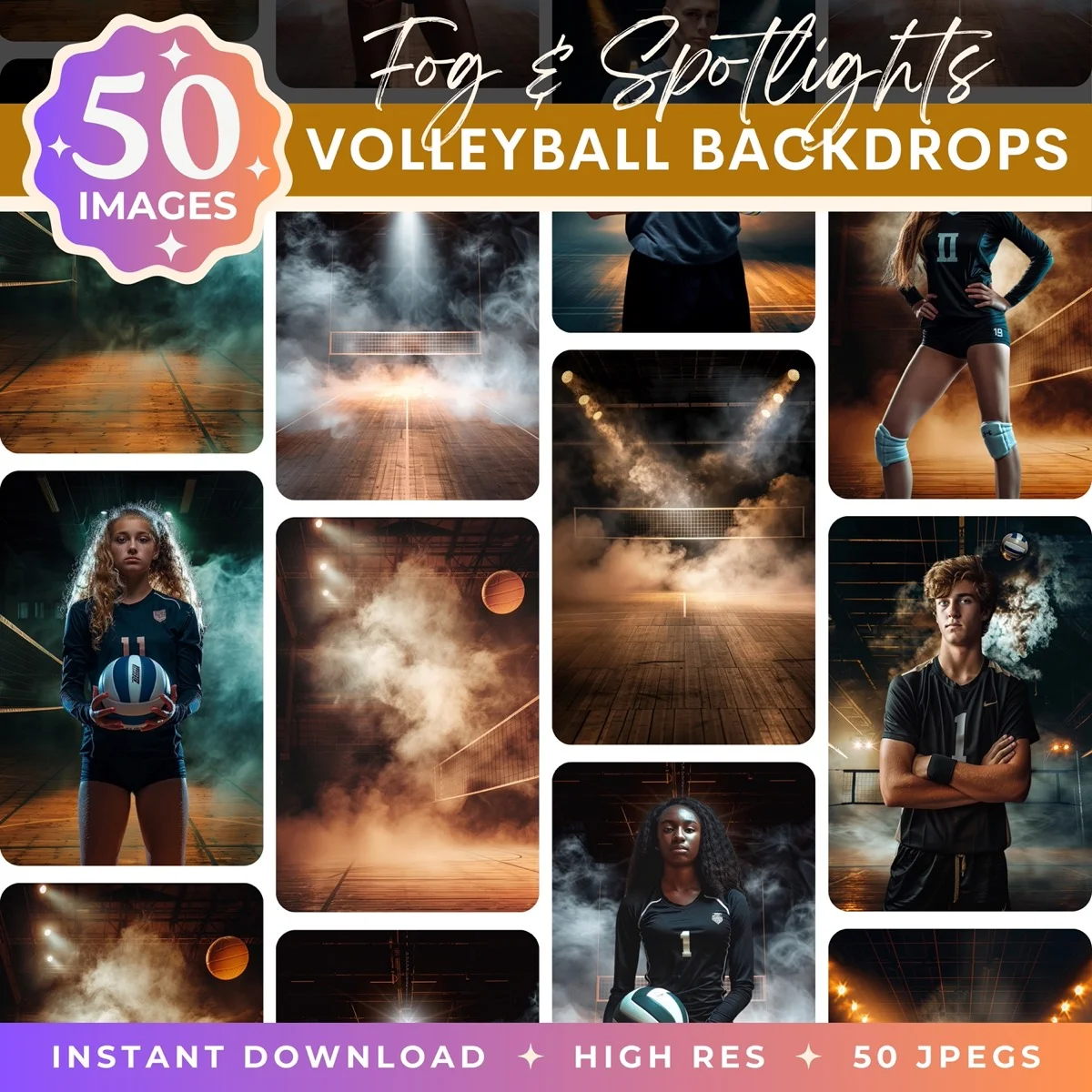


Storage and Space
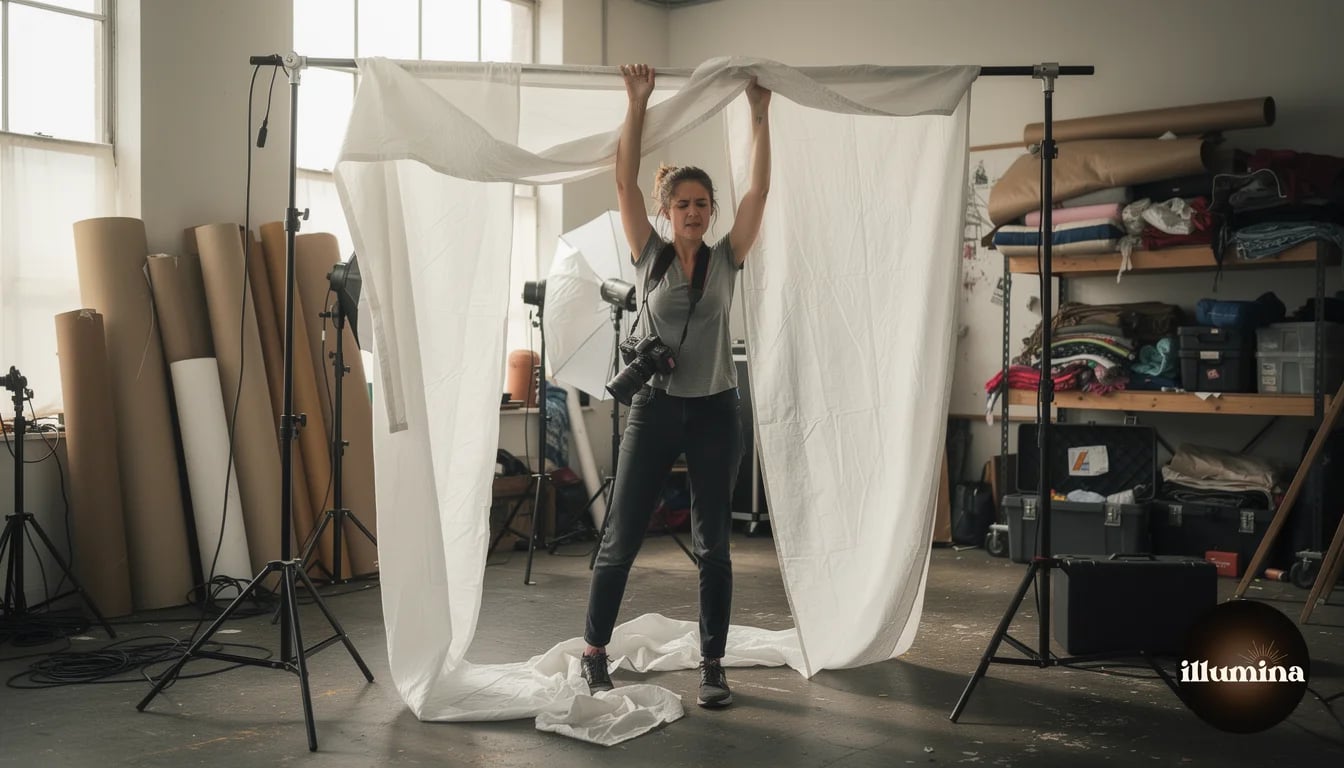
Physical backdrops take up real space. A 9-foot seamless paper roll is 4 inches in diameter and 9 feet long. Ten rolls need a wall-mounted storage system or a dedicated corner of your studio. Muslin and canvas backdrops need to be hung or carefully folded (folding creates creases that need steaming later). A serious physical backdrop collection requires a closet, a storage room, or a section of your studio dedicated just to backdrop storage.
Digital backdrops take up disk space. A library of 500 high-resolution digital backdrops fits on a USB drive smaller than your thumb. Your entire backdrop collection travels in your laptop bag. Backup is automatic if you use cloud storage. You will never run out of physical storage space, and you will never need to rent a larger studio just to store more backdrops.
For photographers working from home studios, garages, or rented hourly spaces, this difference is significant. Every square foot of studio space dedicated to backdrop storage is space that is not available for shooting. Digital backdrops let you operate from a smaller space without compromising your creative options.
Versatility and Client Options
This is the category where digital backdrops are unmatched. With physical backdrops, you offer what you own. If a client wants a fall forest scene and you do not have one, the answer is no (or you buy one and wait for shipping). With digital backdrops, you can search a marketplace, buy a new scene in two minutes, and have it ready for the session that afternoon.
Seasonal versatility is particularly powerful. Offering Christmas, Valentine's Day, Easter, Halloween, graduation, and sports themes throughout the year would require dozens of physical backdrops and a storage locker. With digital backdrops, every season is available instantly, and adding new themes costs $20-40 per collection.
Client choice is also a differentiator. When you can show a client a catalog of 50+ backdrop options and let them choose their favorites, the perceived value of your service increases. Clients feel like they are getting a custom experience because they are choosing their own scenes, even though your shooting workflow is identical for every backdrop choice.
When Physical Backdrops Still Win
Physical backdrops are not obsolete. There are specific use cases where they remain the better choice.
Simple solid-color headshots. A seamless paper roll in white, gray, or black for professional headshots is hard to beat. There is no compositing needed, the results are clean and consistent, and the setup takes two minutes. For this specific use case, adding compositing work would be unnecessary overhead.
Textured studio portraits. Hand-painted canvas backdrops with abstract textures and color washes create a look that is difficult to replicate digitally because the real texture interacts with studio lighting in subtle ways. High-end portrait photographers who specialize in this painterly studio look will continue using physical canvases because the light interaction is part of the art.
On-location event work. Photo booths at events, school picture day with simple backgrounds, and corporate headshot sessions where speed matters and variety does not. In these scenarios, a physical backdrop and a flash produce consistent results with zero post-production, which means faster delivery and lower labor cost per image.
Any scenario where you need to show the client the final result immediately. Some clients want to see the image on the camera LCD and approve it on the spot. Physical backdrops make that possible. Digital backdrops require post-production, which means the client sees the gray-backdrop version in the studio and the final version later. For some clients and some use cases, that delay is a dealbreaker.
The Hybrid Approach
Most successful studios use both. A few physical backdrops for the simple, bread-and-butter work (headshots, school photos, quick studio portraits) and a digital backdrop library for everything that benefits from variety, creativity, or seasonal themes.
The physical backdrops handle the work that does not need variety and where speed matters. The digital backdrops handle the work where creative range is the selling point and where clients are willing to wait a few days for edited results.
Start with one or two physical backdrops (gray seamless and one muslin) and a digital backdrop collection in your primary niche. As you build skills and clientele, expand the digital library and add physical backdrops only when a specific, recurring need justifies the physical investment.
Your gray seamless paper backdrop is actually a digital backdrop tool. It is not the final background. It is the starting point for any digital backdrop you want to use. Invest in good gray seamless and good lighting, and your entire digital library becomes accessible from that one physical setup.
Common Concerns About Digital Backdrops
Photographers considering the switch to digital backdrops often have a few reservations. Most of them are based on outdated information or misconceptions about the current state of compositing technology.
Will My Clients Think They Look Fake
This is the number one concern, and it is valid if your compositing skills are weak. A poorly executed composite with visible halos around hair, mismatched lighting, and a floating subject will absolutely look fake and damage your reputation. But a well-executed composite is invisible to clients. They see the final image and assume you traveled to that location. The key is investing time in learning proper selection techniques, color matching, and shadow placement. Our composite photography setup guide covers the technical requirements for shooting subjects that composite cleanly.
Start by showing finished composites without mentioning the process. Let the work speak first. Once clients love the results, explaining that you used digital backdrops becomes a positive selling point rather than a concern. Most clients are fascinated by the before-and-after transformation, and many specifically seek out digital backdrop photographers because they understand the creative flexibility it offers.
Do I Need Photoshop Skills
Basic Photoshop compositing is a learnable skill, not a talent. The core workflow (select subject, refine mask, place on backdrop, color match, add shadow) can be learned in a weekend. Getting fast and consistent takes a few months of practice. If you are already editing photos in Lightroom, the jump to Photoshop compositing is smaller than you think.
For photographers who genuinely do not want to learn Photoshop, Canva offers a simpler compositing workflow that handles straightforward composites well. And outsourcing editing to a specialist is always an option once your volume justifies the cost.
What About Print Quality
Digital backdrop composites print at the same quality as any other digital photograph, because they are digital photographs. The final composite is a flat image file at full resolution. There is no difference in print quality between a photo taken on location and a composited image, as long as both the subject file and the backdrop file are high resolution. Professional digital backdrops are typically 6000 pixels or larger on the long side, which supports prints up to 20x30 inches at 300 DPI without any loss of quality.
Making the Switch
If you are currently using physical backdrops and considering adding digital backdrops to your workflow, here is a practical transition plan.
Week one: Buy a digital backdrop collection in your primary niche. If you shoot sports, get a sports set. If you shoot families, get a nature and seasonal set. Browse our full collection to find scenes that match your client base.
Week two: Practice the compositing workflow on test shots. Photograph a friend or family member against your gray backdrop and composite them onto three different digital scenes. Focus on clean selections, accurate color matching, and realistic shadow placement. Do not show these to clients yet.
Week three: Offer digital backdrop options to one or two trusted clients as a bonus. Deliver both the traditional physical backdrop images and one or two digital backdrop composites at no extra charge. Get their honest feedback.
Week four: Based on client response, refine your workflow and start offering digital backdrop options as a standard part of your service menu. Price them appropriately (compositing time is real labor) and market the variety as a premium offering.
Within a month, you will know whether digital backdrops fit your workflow and your clients. Most photographers who try them do not go back, because the creative freedom and the business economics are too compelling to ignore once you experience them firsthand.
Professional scenes for every photography niche



The digital vs physical backdrop debate is not really a debate anymore. It is a spectrum. Pure physical studios are leaving creative range on the table. Pure digital studios are adding unnecessary post-production to work that does not need it. The smartest approach is understanding which tool fits which job and investing accordingly. For most portrait photographers in 2026, that means a gray seamless backdrop on a stand, two lights, and a growing digital backdrop library that lets you offer clients any scene they can imagine from a space no larger than a spare bedroom.
Transform Your Photos
Give Your Photos the Wow Factor
Browse our collection of premium digital photo backdrops. 50 high-resolution print-ready backgrounds in each pack. Instant download.
Browse Backdrops