
In this guide
- Quick Answer
- Why Memory Mates and Posters Sell
- Memory Mate vs Sports Poster: What Is the Difference
- Photography Setup
- Template Design: The One-Time Work That Pays Off
- Batch Processing 40 Memory Mates in an Hour
- Sports Poster Design Principles
- Pricing Strategy for Memory Mates and Posters
- Print Quality: What Affects the Final Product
- Common Mistakes
- What Comes Next
Quick Answer
A memory mate is a two-image sports photography product: an individual portrait of a player paired with their team photo on a single printed panel, with the player's name, number, team, year, and sometimes stats printed around or between the images. Sports posters are the same concept scaled up: a single dramatic individual photo with the player's name and stats treated as a magazine cover or movie poster. Both are sold as add-ons at sports portrait events, usually alongside standard prints. Memory mates typically sell for $15 to $35, sports posters for $25 to $75. Photographers produce them in bulk using templates, and the margin is strong because the base photos are already captured during the team session.
This guide covers the design, template workflow, compositing process, pricing strategy, and what separates a memory mate that parents buy from one that sits unsold on the table.
Why Memory Mates and Posters Sell
Individual team-season products dominate sports photography add-on revenue for a simple reason. Parents want a keepsake that captures this specific season, on this specific team, with this specific coach. A memory mate or poster does exactly that and nothing else. Unlike a standard portrait, it cannot be repurposed or reused in a year. That scarcity is the purchase driver.
The math works strongly in your favor. Base photos are captured during the team session you are already paid for. Template work is a one-time effort that scales across every player. Production cost (print plus mount or sleeve) runs $2 to $5 per unit. Retail pricing of $20 to $50 produces 80 percent or higher margins on each sale.
The unit economics assume some volume. A team of 15 with a 60 percent attach rate on $25 memory mates produces $225 of product revenue from a single team session. Repeat that across 15 teams in a season, and memory mates alone can be a $3,000 line item in your business.
For the full breakdown of sports photography business models including team photography, trading cards, and composites, see our sports trading cards guide and sports composite photography guide.
Memory Mate vs Sports Poster: What Is the Difference
The two products share a DNA but serve different purposes.
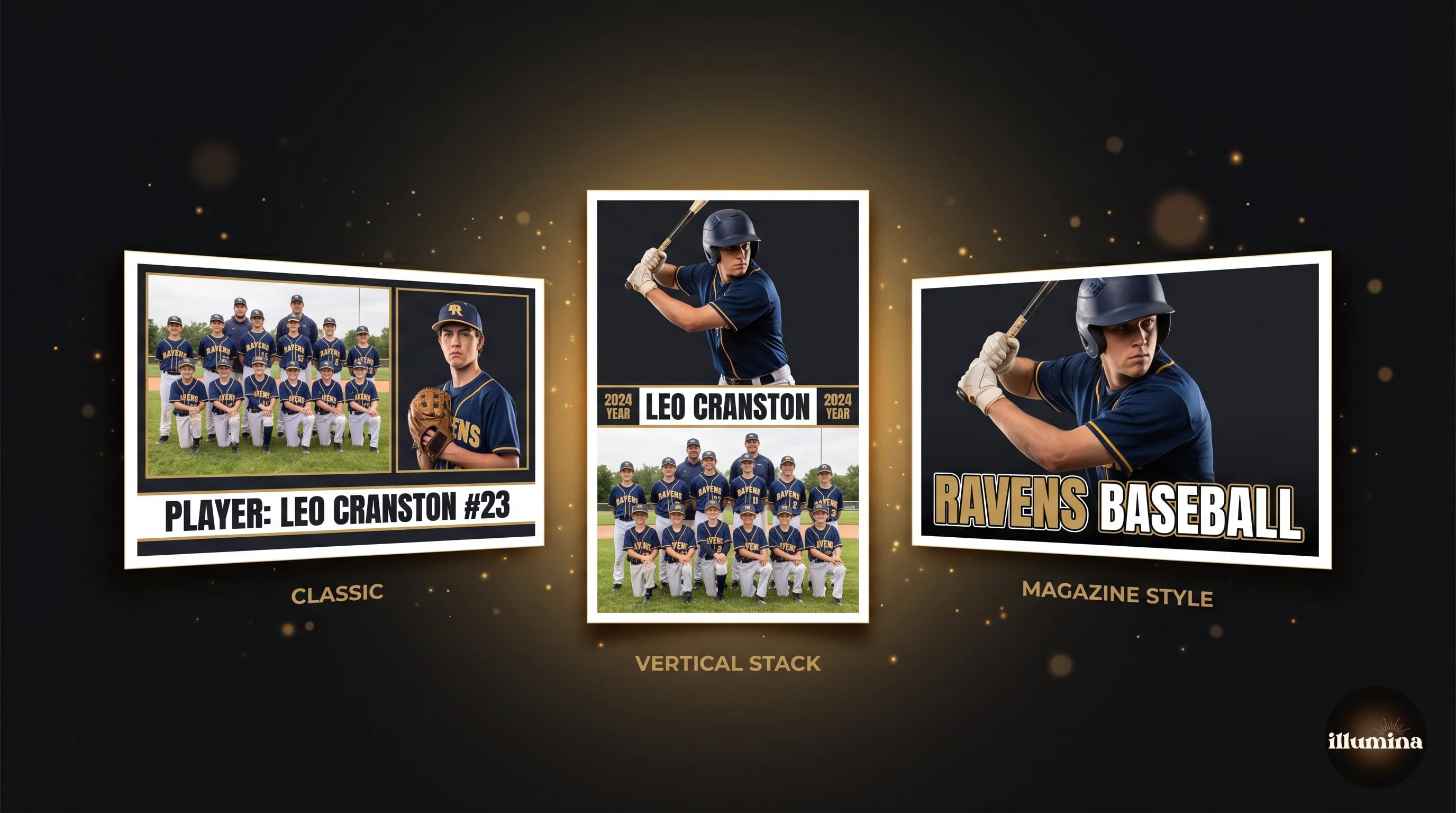
Memory mate. A horizontal or square panel (typically 8x10 or 10x13 inches) showing the player's individual portrait on one side and the team photo on the other, with the year, team name, and player's name and number printed in between or around them. The design is clean, practical, and reads as a "record" of the season. Price range $15 to $35. Sold to the majority of families at a team session.
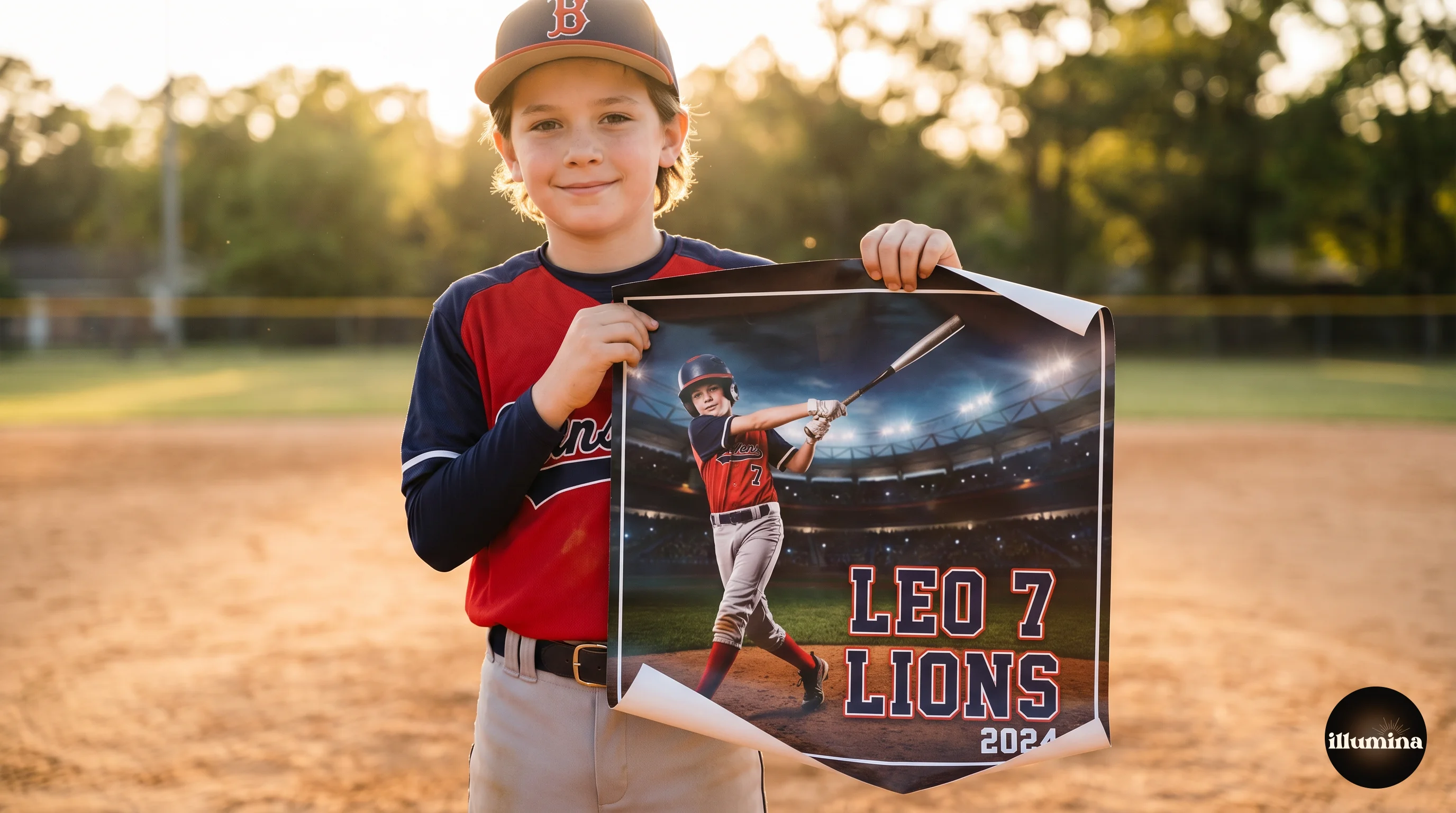
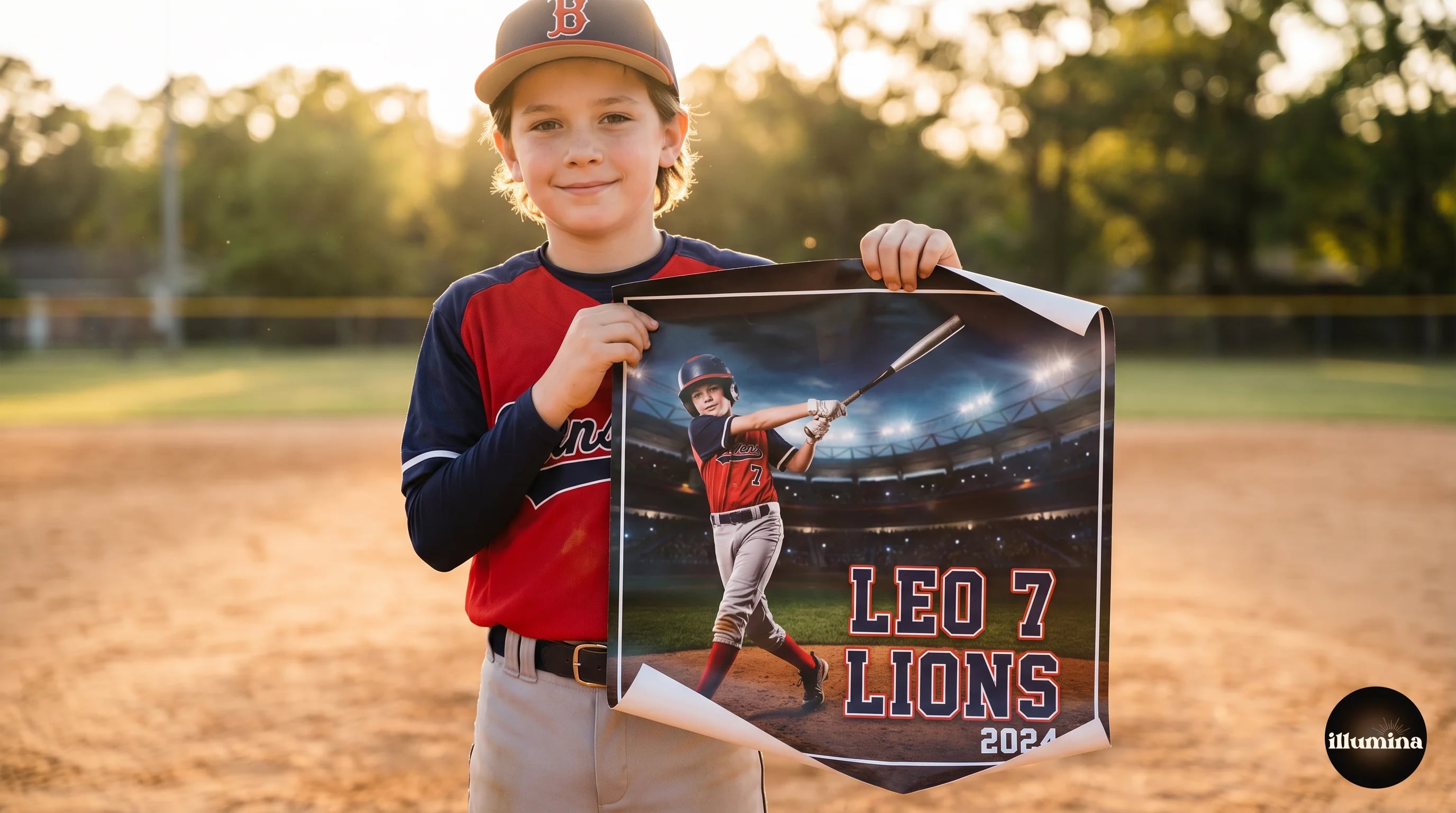
Sports poster. A vertical or horizontal panel (typically 11x14 or larger, sometimes 16x20) featuring one dramatic action or studio portrait treated as a magazine cover. Typography is bold, often stylized to match the sport. The player's name is large, their stats may be printed (jersey number, position, team name, year, sometimes batting average or goals scored). Price range $25 to $75. Sold primarily to families of older or more invested players.
Most sports photographers offer both. Memory mates have a higher attach rate (broader appeal, lower price), posters have higher per-unit revenue (premium product, lower volume). Parents who buy a poster often also buy a memory mate; the reverse is less true.
Photography Setup
A good memory mate or poster requires three photos: the team portrait, the individual portrait, and (for posters) an action shot or dramatic portrait. Plan the session accordingly.
Team portrait. Standard team photo. Use a consistent location and pose formula across every team you shoot. Front row seated or kneeling, back row standing, coach at an end. This is the most-used asset across the whole product line and also the most forgiving. Good framing and focus are enough.
Individual portrait per player. Each player photographed one at a time against a clean backdrop. Traditional setup uses a hung fabric backdrop or a physical stadium mural. A faster alternative is the digital backdrop workflow: shoot each player against a plain gray or green fabric, then composite them onto a dramatic stadium backdrop in post. For the full digital backdrop workflow see our sports composite photography guide.
Action or dynamic portrait (for posters only). A shot that reads as "cover of a magazine." Some photographers capture this during a separate action session; others use a dramatically-lit studio shot with the athlete in a posed action stance (baseball swing, soccer kick, volleyball spike). The shot needs to be bold enough to carry a large printed panel with text overlays.
Plan for a memory mate before you arrive at the team session, not after. A session where the team photo is a casual group shot and the individual portraits are varying quality makes the product design harder downstream. If you know memory mates are part of the package, shoot the assets with the template layout in mind.
Template Design: The One-Time Work That Pays Off
The secret to profitable memory mate production is a template you build once and reuse for every team. Here is the structure.
Canvas size. Design your template at the print size you intend to sell. The most common memory mate size is 8x10 inches horizontal (3000x2400 pixels at 300 DPI). For posters, 11x14 or 16x20 are the standards.
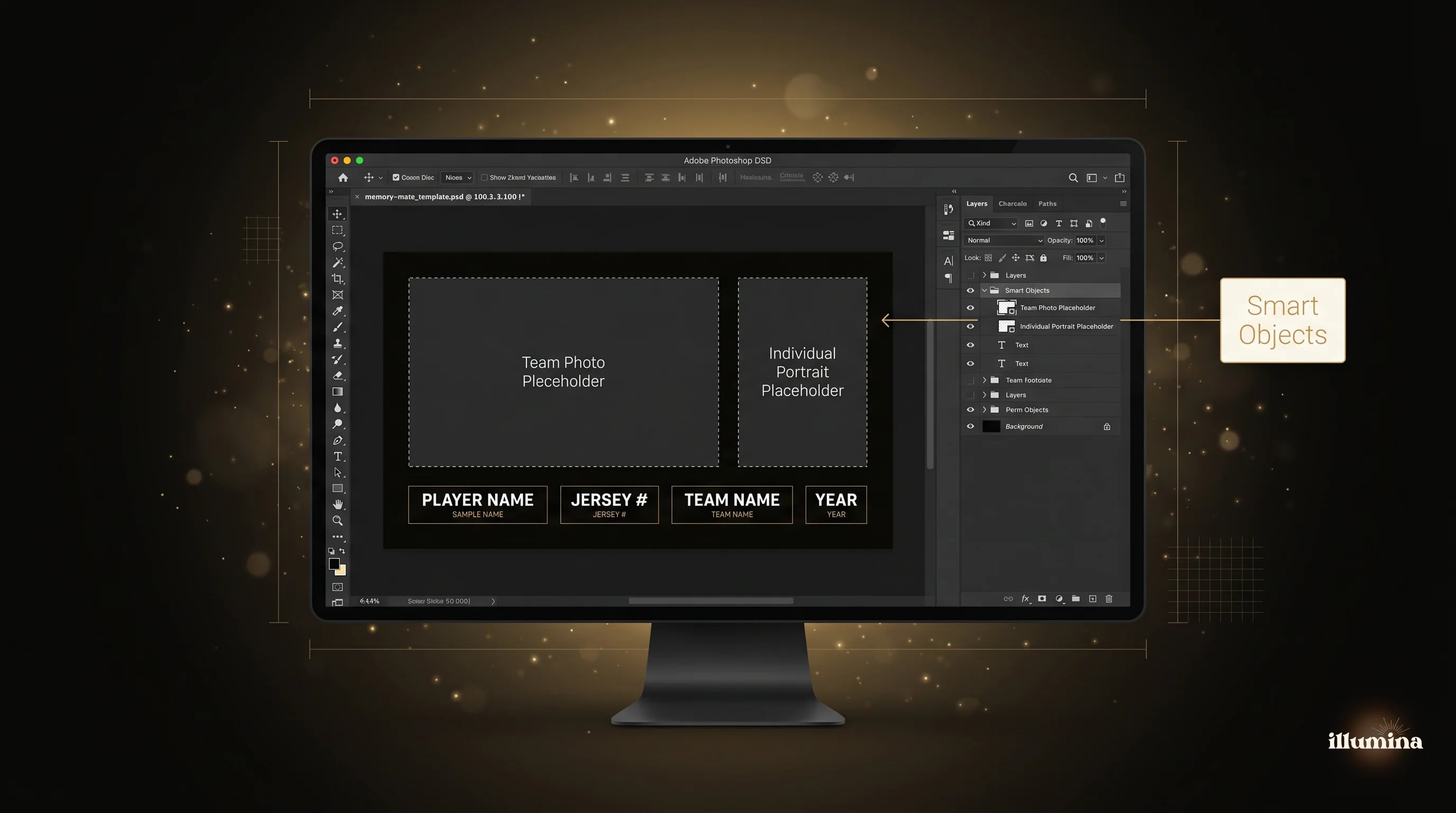
Placeholder images. Drop placeholder rectangles where the team photo and individual portrait will go. Set them as Smart Objects in Photoshop or as editable image frames in Canva or InDesign. This lets you swap the player's photo per-player without rebuilding the layout.
Editable text fields. Player name (largest), team name, year, position, and jersey number as editable text fields. Keep the type large enough to read from arm's length.
Branded elements. Your logo or studio name, small and tasteful, in a corner. Consider including your website or Instagram if you want downstream referrals.
Consistent typography. Pick a single typeface for the template and use it across every team you shoot. Consistency signals a professional brand more than variety does. Strong typefaces for sports design include Barlow Condensed, Oswald, Anton, Bebas Neue, and Roboto Condensed. Bold sans-serifs read as "sports" across almost every sport.
Build three layout variations (classic horizontal, vertical stack, magazine-style) and pick the one that fits each team. Once built, each variation processes a team in under 30 minutes.
Transform Your Photos
Give Your Photos the Wow Factor
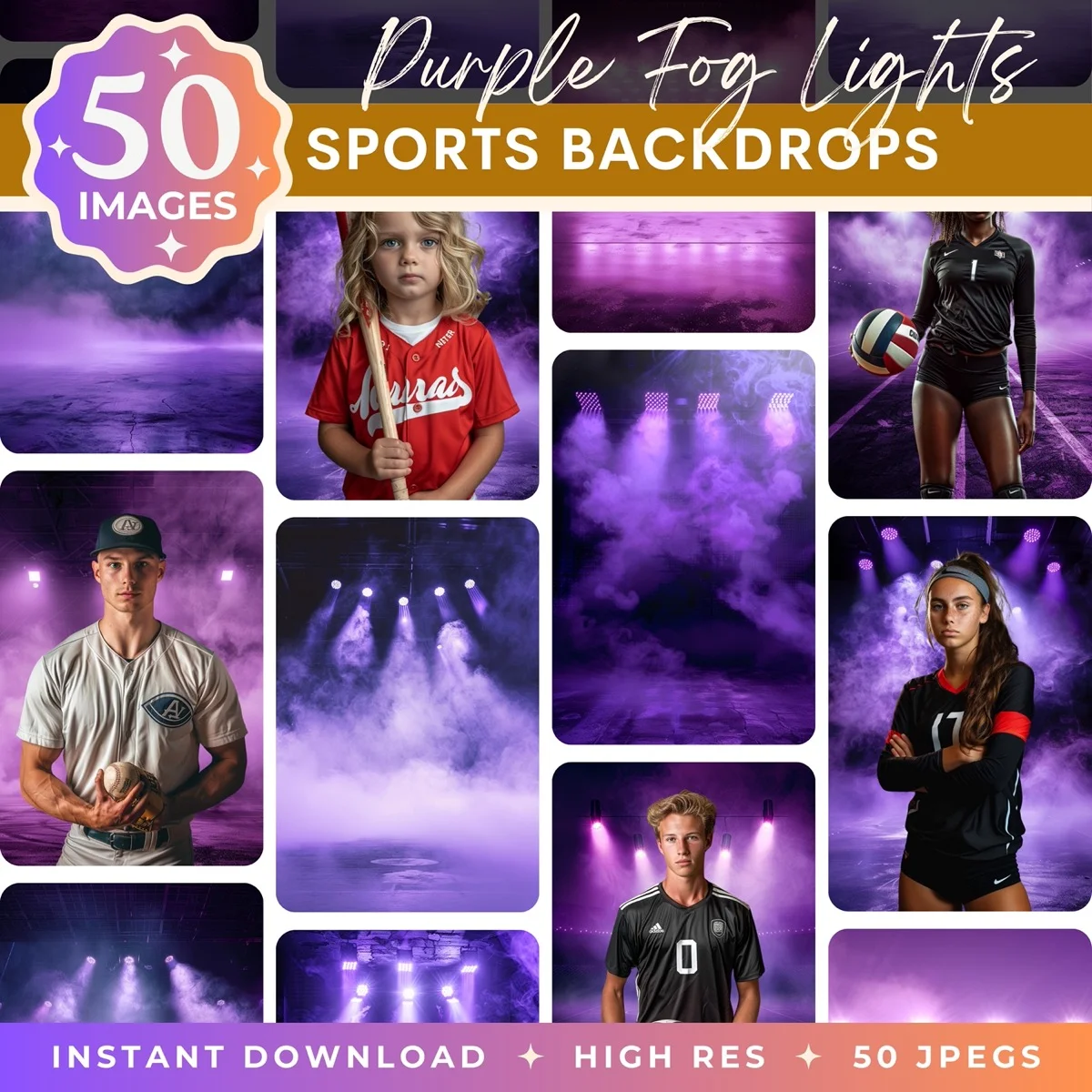
Browse our collection of premium digital photo backdrops. 50 high-resolution print-ready backgrounds in each pack. Instant download.
Browse Backdrops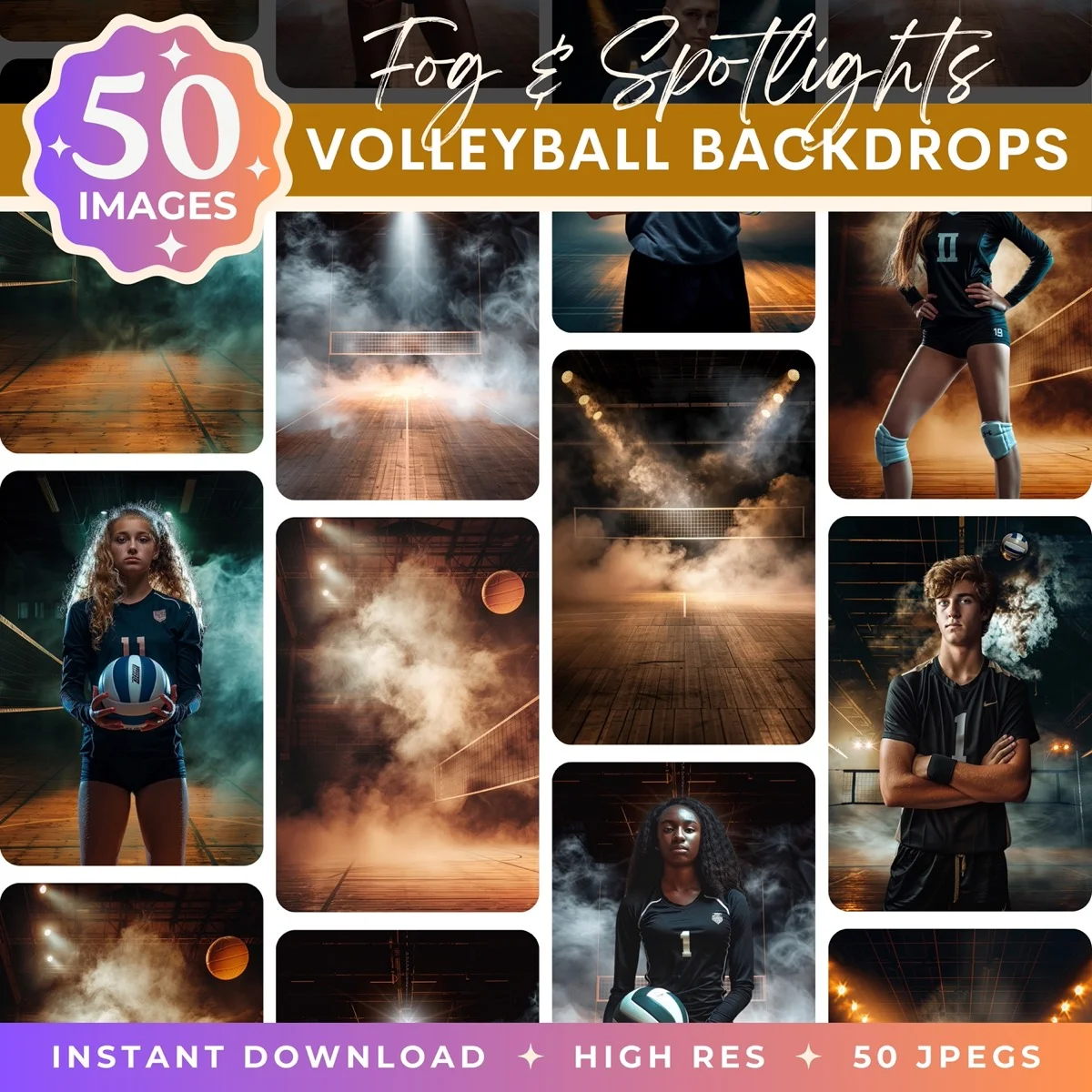
Batch Processing 40 Memory Mates in an Hour
The production workflow is where most photographers lose time. A structured batch process brings per-unit time down to about 90 seconds per memory mate.
Step 1: Photo prep. Process the individual portraits for exposure, color, and basic retouching in Lightroom. Batch-apply a preset. Export as high-quality JPGs named by jersey number and player name.
Step 2: Backdrop compositing (if using digital backdrops). Composite each portrait onto the chosen backdrop in Photoshop. Use an Action or the Image Processor with a saved script to automate the cutout + paste workflow. See our how to add a background to any photo guide for the compositing basics.
Step 3: Template filling. Open your memory mate template. For each player, update the three placeholder smart objects (individual photo, team photo, player info text). Save as a flattened high-resolution JPG or PNG named "LastName-FirstName-Team."
Step 4: Print file export. Export all 40 files at 300 DPI with sRGB or AdobeRGB color profile depending on your print lab. Zip the folder for easy upload.
Step 5: Print order. Upload to your lab (White House Custom Colour, Miller's Professional Imaging, ProDPI are industry standards). Most labs offer "gang printing" (multiple images on one sheet) which reduces cost per unit. Total print turnaround is 3 to 7 business days.
Batch processing this way, a team of 15 memory mates can be produced end-to-end in under 90 minutes of photographer time, spread across the initial template setup, photo prep, and print file export.
Sports Poster Design Principles
Posters are design-heavy in a way memory mates are not. A few principles that separate a poster parents buy from a poster parents do not.
One dominant image. A poster is one photo treated as art, not a collage. Pick your best action or portrait shot and commit. If you are using an action shot, the player's face should be visible and in focus.
Bold typography that does not compete. The player's name should be large but still subordinate to the image. Avoid tight serif typefaces; they get lost on prints. Condensed sans-serifs at 200 to 400 points work well for names on 11x14 posters.
Color harmony with the image. Pick a text color that echoes a dominant color in the photo (the team jersey, the stadium lights, the sunset sky). Contrast matters but so does cohesion. Pure white or pure black text is a safe fallback.
Stats and team info. Smaller typography at the bottom or along an edge. Jersey number, team name, position, year, and optional performance stats (batting average, goals, wins). Avoid cramming too much; 3 to 5 data points is the maximum.
Negative space. Let the design breathe. Cluttered posters look cheap; posters with clear negative space read as premium. A 20 to 30 percent blank margin around the primary image and text is a safe target.
Look at professional sports posters and magazine covers for inspiration before designing your own. The design conventions (dramatic one-subject image, bold stacked typography, tight color palette, clean negative space) are standard across ESPN, Sports Illustrated, and every top team's marketing. The closer your design gets to those conventions, the more your product reads as legitimate professional gear.
Pricing Strategy for Memory Mates and Posters
Pricing sports add-on products has three tiers based on the market you serve.
Entry tier ($15 to $25 memory mates, $25 to $40 posters). Youth sports, community leagues, and schools in rural or lower-income areas. Volume is high, per-unit margin is moderate. Works if you are doing 10-plus teams per season. Not worth the effort for lower volume.
Standard tier ($25 to $40 memory mates, $40 to $60 posters). Most photographers in most markets. This is where the majority of sports photography businesses price. Healthy margins, accessible price point.
Premium tier ($35 to $60 memory mates, $60 to $150 posters). Elite club teams, travel teams, private academies. Parents with higher disposable income and higher emotional investment in the child's sport. Premium print quality, custom template design per team, and often signing ceremony add-ons. Volume is lower but per-player revenue is two to three times higher.
Bundle pricing adds 20 to 40 percent to attach rates. A "Season Bundle" (team photo, memory mate, individual 8x10) at $65 sells better than offering each a la carte at $25, $25, $25. People respond to the discount framing and to not having to make three separate decisions. For the full dynamics of sports photography packaging, our sports trading cards guide covers complementary add-on products.
Print Quality: What Affects the Final Product
A memory mate lives or dies on the print. Parents will not notice a 10 percent improvement in photography, but they will absolutely notice a crisp, color-accurate, well-mounted print versus a flat, muted, or curling one.
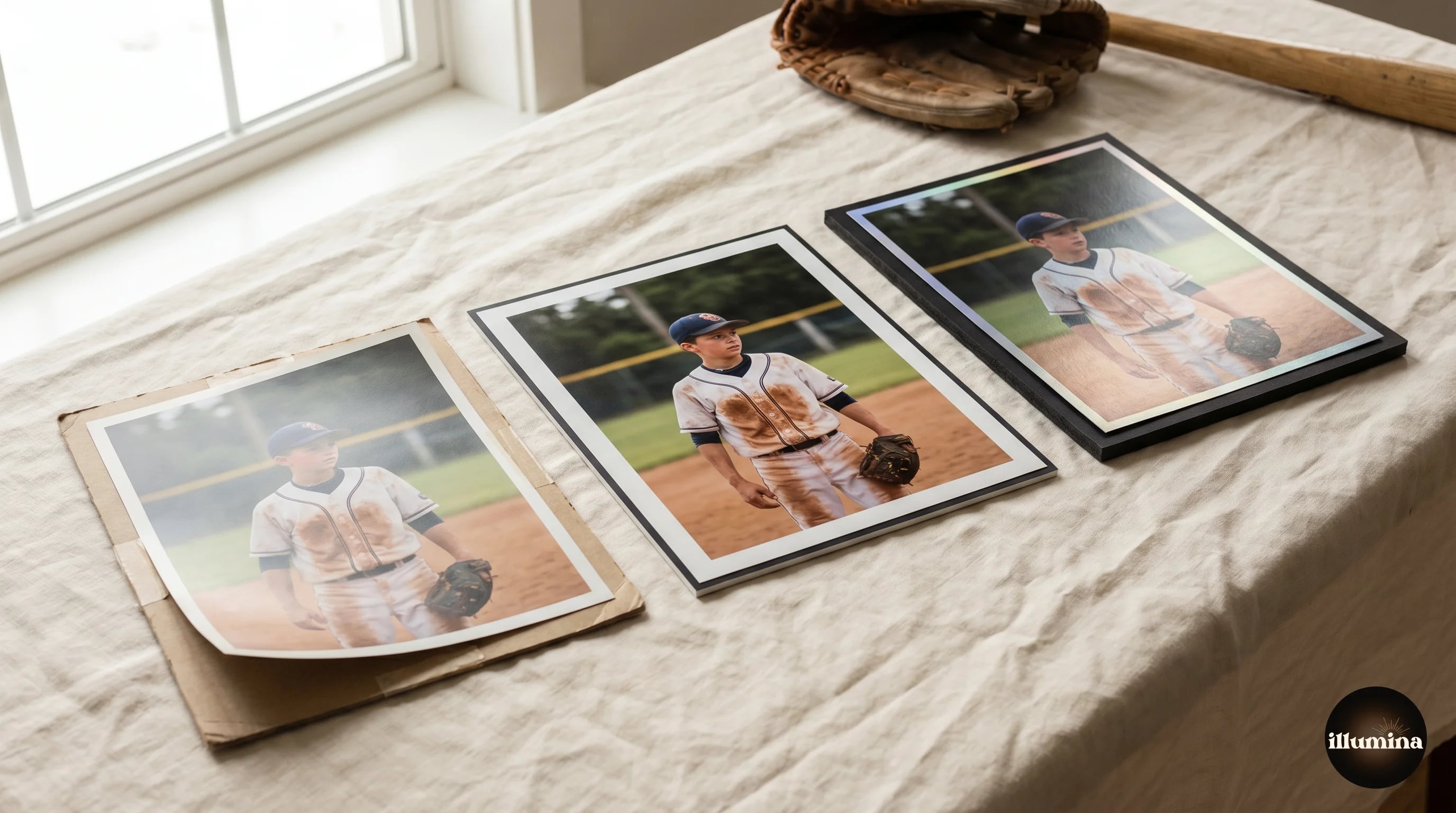
Paper choice. Lustre and Metallic finishes are the standards for sports photography. Lustre is forgiving, reads as professional, and handles fingerprints well. Metallic gives a slightly iridescent shine that makes saturated colors (jerseys, stadium lights) pop. Matte paper kills color impact and is rarely the right choice for sports.
Mounting. An 8x10 memory mate looks more expensive mounted on 1/8-inch black backing board than it does as a bare print in a sleeve. Mounting adds $2 to $4 per unit at volume pricing. Parents universally perceive mounted prints as higher value.
Color profile. Match the print lab's required color profile exactly. If the lab uses sRGB, export in sRGB. If they accept AdobeRGB, use AdobeRGB and leave the extra gamut to their color-managed pipeline. Sending an AdobeRGB file to an sRGB-only lab produces flat, desaturated prints.
Test prints. Before running a 40-unit production, print one test memory mate and verify color accuracy on your own lab's paper. A 15-minute test catches color shifts and sizing errors before they propagate to 40 unsellable prints.
The print quality difference between a good lab and a bad lab is larger than the difference between the photographers they serve. A great photo printed badly looks worse than an average photo printed well. Pick your lab carefully and stick with them; build a relationship that earns you faster turnaround and volume pricing over time.
Common Mistakes
Different template for every team. Your brand identity comes from consistency. Keep the typography and layout logic identical across teams; only the content changes.
Over-designed. Too many elements (multiple fonts, drop shadows, gradients, textures, stars, swooshes) look amateur. Restraint reads as professional. Two fonts maximum, flat color, clean photography.
Inconsistent photo quality. One memory mate with a soft focus individual portrait next to twenty sharp ones tells parents the photographer was careless. Verify every individual portrait at 100 percent before running the batch.
Print sizing errors. A memory mate ordered at the wrong aspect ratio crops weirdly. Always design at the intended final print size, and always check proofs before printing the full run.
Pricing too low. Photographers routinely under-price sports products because they are priced comparing to everyday retail. Compare instead to what the photograph captures (a one-time season that will not repeat) and to what framing or custom art would cost at a gallery. That comparison typically triples your willingness to charge.
Missing the sell opportunity. Show the memory mate and poster at the session, on a table, printed and ready to touch. Do not leave the decision to the parent's imagination on a digital gallery weeks later. Tactile display at the event produces three to five times the attach rate of digital-only offerings.
Selling the product, not just displaying it. A table of samples at the session is a start, but a 10-second pitch from the photographer beats silent display every time. Mention the memory mate to the parent during their child's individual portrait: "we do a memory mate with the team photo and this shot together; most families love having both on the wall." One sentence converts interest into purchase more than any signage will.
Not collecting payment at the event. Memory mate orders collected later through a digital gallery have drop-off rates of 40 to 60 percent compared to cash or card payment taken at the session. If logistically possible, collect the order and payment at the event with a tablet and a Square reader. The family leaves with confirmation, you leave with revenue, and nobody has to chase down a followup email.
Dramatic scenes for trading cards, posters, and composites
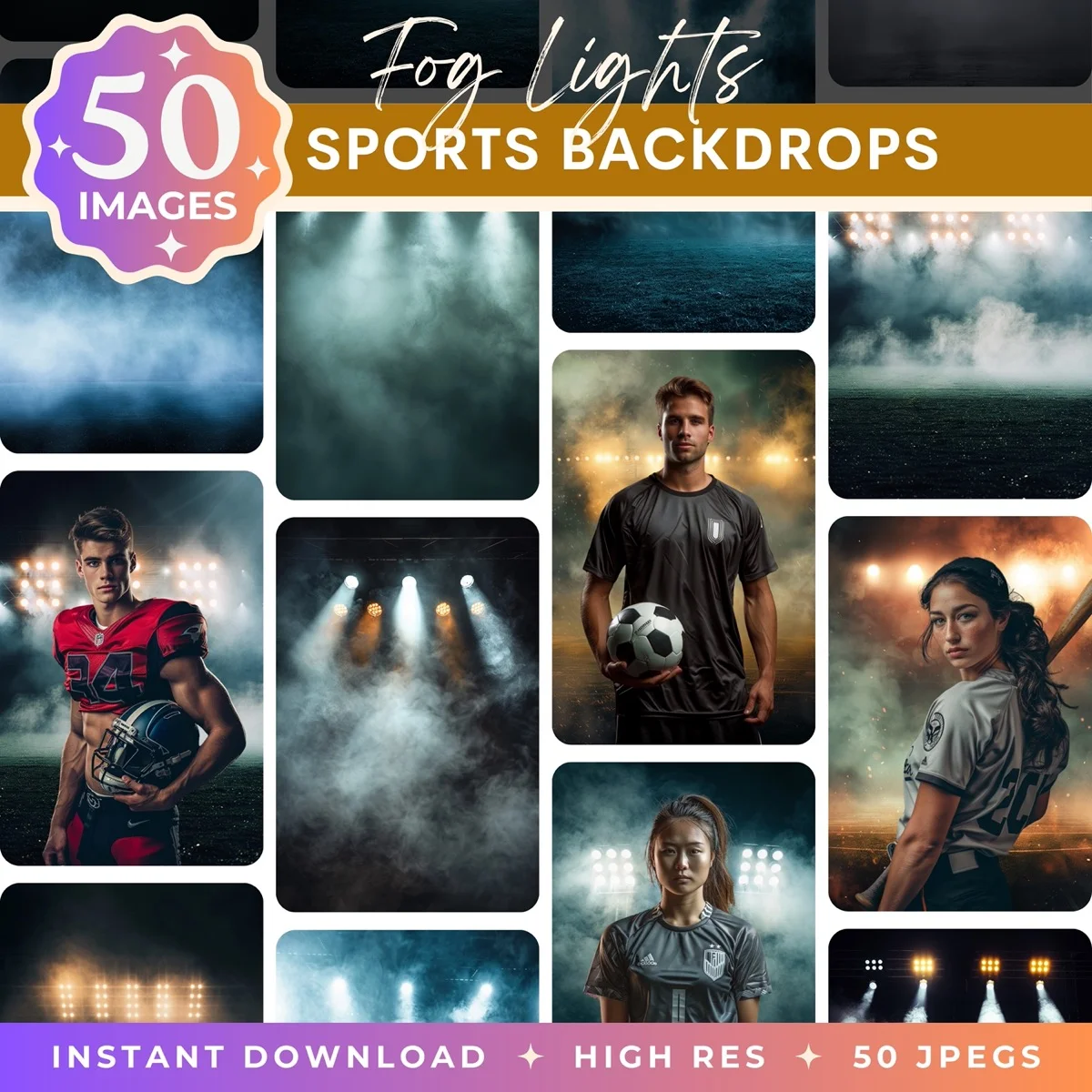
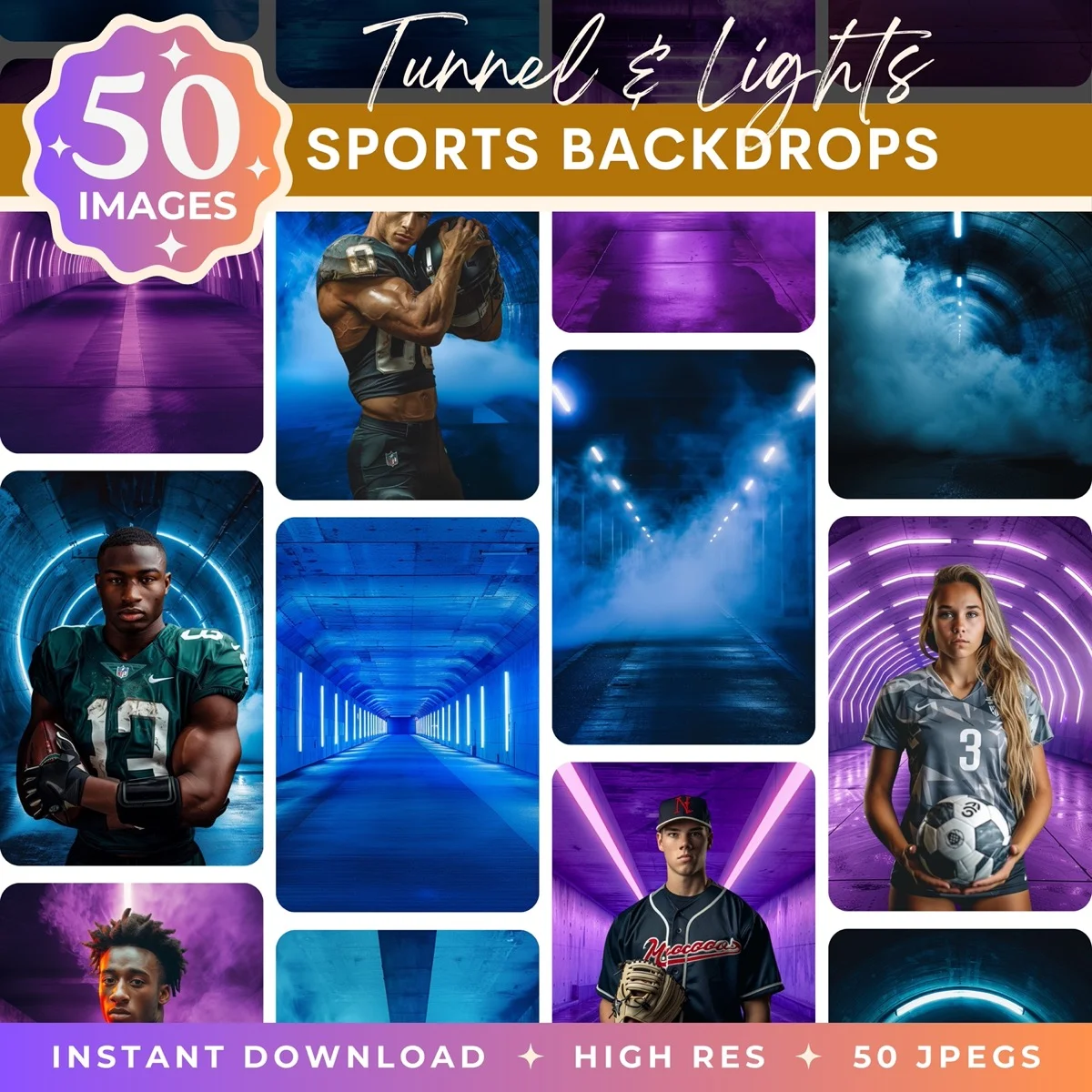
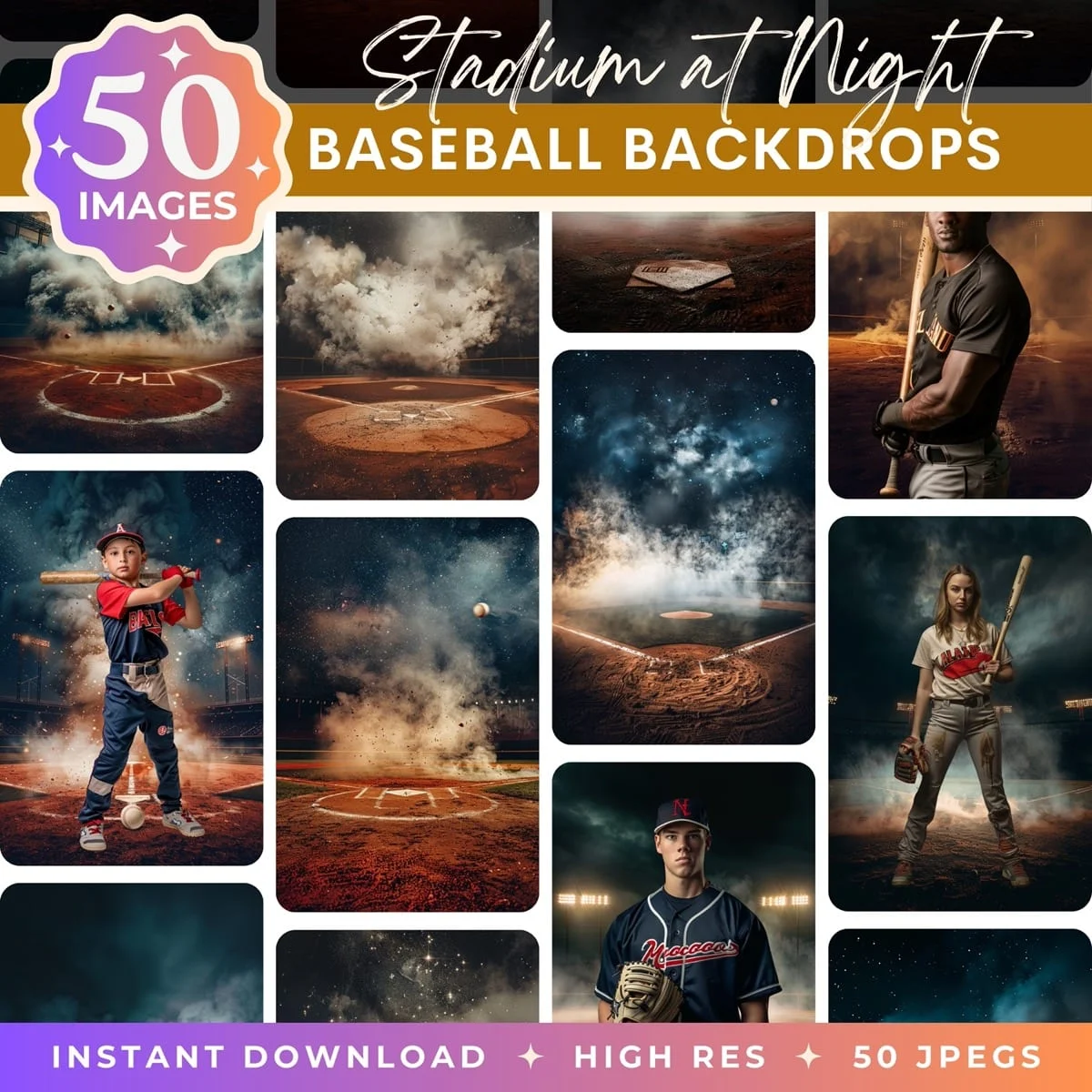
Memory mates and sports posters live or die on the backdrop behind the player. A dramatic, stadium-grade backdrop turns a team photo into a keepsake parents want to frame. A clean studio backdrop with fog and spotlights makes the individual portrait look like a magazine cover. Browse the full Illumina Backdrops sports collection for baseball, football, volleyball, and general sports packs tuned for composite workflows at print size.
What Comes Next
Memory mates and sports posters are a high-margin product line in any sports photography business, but the underlying asset (a clean individual portrait against a dramatic backdrop) is what makes them sell. If you are shooting team photos with limited backdrop options, consider a digital backdrop workflow: shoot each player against a plain gray fabric, then composite onto stadium, field, or dramatic studio backdrops in post. We design Illumina Backdrops sports digital backdrops for exactly this workflow, with stadium, fog-and-spotlight, and dramatic studio packs tuned for composite output and print-quality resolution.
For the complete picture of the sports photography product ecosystem, see our sports trading cards guide, sports composite photography guide, and team-specific deep dives on baseball team photos, volleyball team photos, and football player portraits.
Transform Your Photos
Give Your Photos the Wow Factor
Browse our collection of premium digital photo backdrops. 50 high-resolution print-ready backgrounds in each pack. Instant download.
Browse Backdrops