
In this guide
- The Quick Answer
- Why the Background Matters More Than You Think
- Best Backgrounds by Industry
- Solid Color Backgrounds
- Blurred Environment Backgrounds
- Outdoor Backgrounds for Headshots
- DIY Headshot Backgrounds That Look Professional
- Virtual and Digital Backgrounds
- Lighting: The Thing That Matters More Than the Background
- Compositing: Swap Your Background Without Reshooting
- Common Headshot Background Mistakes
- Backgrounds for Headshots at Scale
The Quick Answer
The best headshot background is one that doesn't compete with your face. For LinkedIn and corporate use, a blurred office, a clean neutral wall, or a solid dark gray gets the job done. For creative industries, you can push it further with textured walls, outdoor settings, or branded color washes. The key rule: the background should make you look professional, approachable, and like you belong in your industry. If someone notices the background before they notice you, it's the wrong background.
This guide covers which backgrounds work for different industries, how to shoot or source professional headshot backgrounds, DIY options that look surprisingly good, virtual and digital background options for remote workers, and common mistakes that make headshots look amateur.

Why the Background Matters More Than You Think
Your headshot is the first thing people see on LinkedIn, your company website, your email signature, conference speaker bios, and press pages. It shapes first impressions before anyone reads a word you've written. And while most people obsess over their expression, outfit, and lighting (all important), the background is doing just as much work.
A cluttered kitchen behind you says something. A plain white wall says something different. A softly blurred bookshelf says you're educated and approachable. A dark moody gradient says creative or executive. Every background carries a message, and most people choose theirs by accident rather than on purpose.
The good news is that changing your headshot background is one of the easiest upgrades you can make. You don't need a new photoshoot. You can swap it digitally in under five minutes using Photoshop, Canva, or even your phone.
Best Backgrounds by Industry

Corporate, Finance, and Law
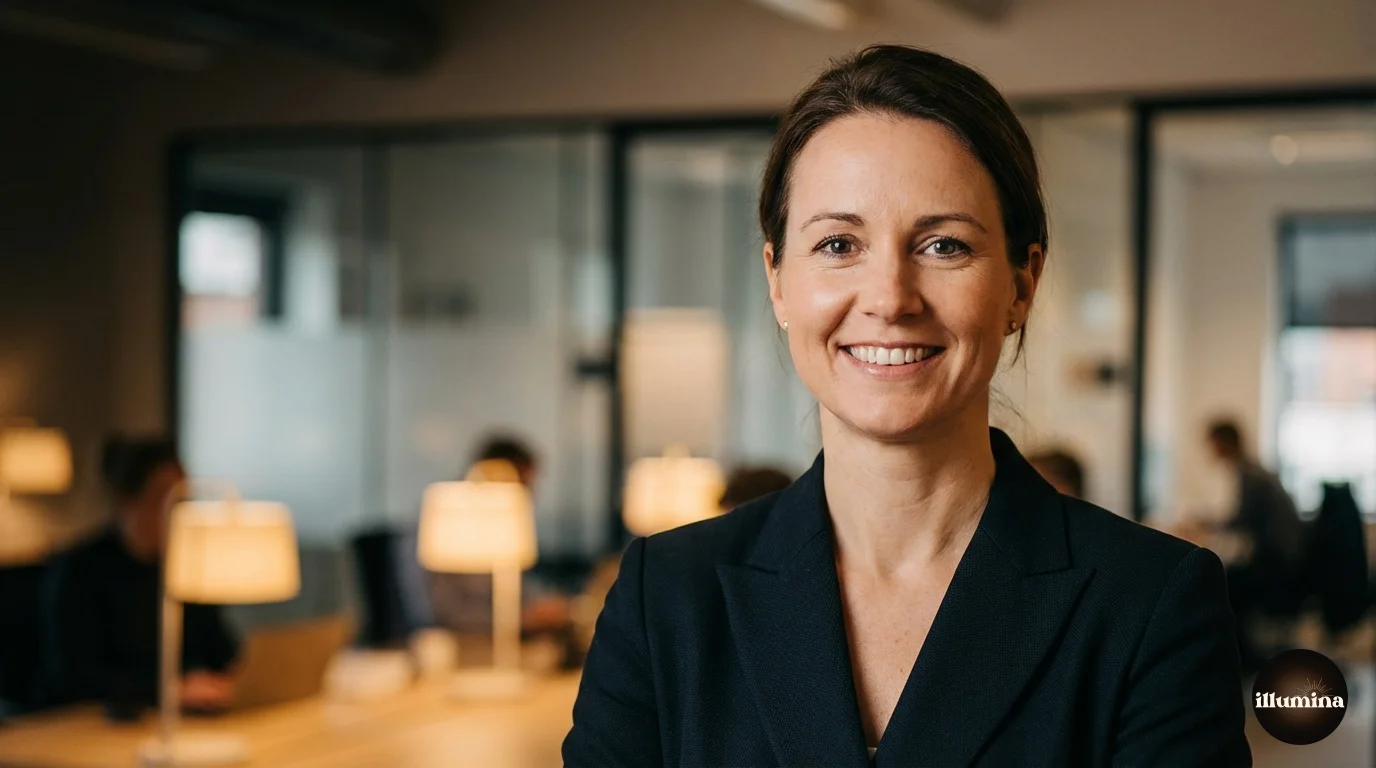
Conservative industries want conservative backgrounds. Solid colors (charcoal, navy, dark gray) or softly blurred office environments work best. Nothing trendy, nothing distracting. The headshot should communicate reliability and competence. If your firm has a specific brand color, a subtle wash of that color in the background can tie the headshot to the company identity without being obvious.
Avoid: bright colors, outdoor settings, casual environments. A partner at a law firm photographed against a graffiti wall sends a confusing message, no matter how nice the graffiti is.
Tech and Startups
Tech is more relaxed. Blurred open-plan offices, modern coworking spaces, glass and steel architecture, or clean solid backgrounds all work. Slightly brighter and more contemporary than traditional corporate. Some founders go with outdoor city shots (rooftop, urban street, modern building facade) to signal energy and ambition. This works if the environment is clean and the focus stays on your face.
Creative Industries
Designers, photographers, artists, writers, musicians. This is where you can push background choices further. Textured brick walls, paint-splattered studios, gallery spaces, bookshelves (if you're a writer), colored gels, even intentionally dramatic lighting with deep shadows. The background becomes part of your personal brand statement. Just make sure it's intentional, not accidental. A creative background that looks unplanned reads as messy, not artistic.
Healthcare and Education
Warm, approachable, trustworthy. Soft neutral backgrounds (cream, warm gray, light blue) or lightly blurred clinical/academic settings. For doctors, a blurred hallway with natural light works. For professors, bookshelves are almost a cliche but they still work because they're expected. Avoid anything that feels cold or institutional. Patients and students want to see someone they'd feel comfortable talking to.
Real Estate, Sales, and Client-Facing Roles
These roles are about approachability and local presence. Outdoor shots with recognizable local landmarks work well for real estate agents. For sales professionals, a clean modern office or a solid neutral background keeps the focus on the person. The headshot needs to say "I'm competent and I'm easy to work with." Busy backgrounds undercut both.
Solid Color Backgrounds
The simplest option and often the best. A solid backdrop in the right color is distraction-free and works everywhere: LinkedIn, company websites, badges, business cards, email signatures.
White: clean, bright, modern. Works well for tech, healthcare, and corporate websites. The risk is looking washed out if your skin tone is light. Use a pure white (#ffffff) background only if you have warm skin tones or dark hair to create contrast.
Gray (medium to dark): the most versatile headshot background. It works for every industry, flatters every skin tone, and never looks dated. If you can only pick one, go with a medium gray. It's safe without being boring.
Navy or dark blue: professional, authoritative, slightly warmer than gray. Common in finance and consulting. LinkedIn's interface is also blue, so blue headshot backgrounds tend to blend naturally into the platform.
Black: dramatic, executive, creative. Works for C-suite executives, photographers, musicians, and anyone who wants to project authority. Requires good lighting to avoid looking like a floating head in a void.
Match the background to where it'll be used. A dark headshot looks great on a white website but disappears on a dark-themed LinkedIn profile. Check how your headshot renders on the actual platforms before committing to a background color.
Blurred Environment Backgrounds
A real environment shot with the background thrown out of focus (shallow depth of field or post-processing blur) is probably the most popular headshot style right now. It provides context without distraction. You can see that the person is in an office, a cafe, a campus, a studio, but the details are soft enough that the eye stays on the face.
The trick is getting the blur level right. Too sharp and the environment competes. Too blurred and it looks like you smeared Vaseline on the lens. You want to be able to tell what the environment is (bookshelf, window, greenery) without being able to read book titles or see what's on the desk.
For photographers shooting these: use a lens at f/2.8 or wider and put at least six feet between your subject and the background. The distance creates natural separation. For digital workers adding blur after the fact, Photoshop's Lens Blur filter is better than Gaussian Blur because it mimics the optical quality of real bokeh.
Outdoor Backgrounds for Headshots
Outdoor headshots work well for real estate agents, coaches, entrepreneurs, and anyone in a client-facing role where approachability matters more than corporate formality. The natural light is usually better than anything you'd set up indoors, and the backgrounds have depth and character that studio shots can't replicate.
The best outdoor headshot locations have a clean, uncluttered background at least ten feet behind you. A brick building, a row of trees, a hedge, an architectural wall. Avoid busy streets, parking lots, and anywhere with signage or other people visible in the frame.
Shoot in open shade or during golden hour. Direct sun creates harsh shadows and makes people squint. A cloudy day is your friend for outdoor headshots. The overcast sky acts as a giant diffuser, giving you soft even light from every angle. Skin looks smooth, colors are accurate, and nobody is squinting.
One thing people forget about outdoor headshots: the background changes with the seasons. A leafy tree-lined path looks great in summer and fall but looks stark and bare in winter. If you're shooting outdoors, think about what the background will look like when you're still using this headshot six months from now.
Transform Your Photos
Give Your Photos the Wow Factor
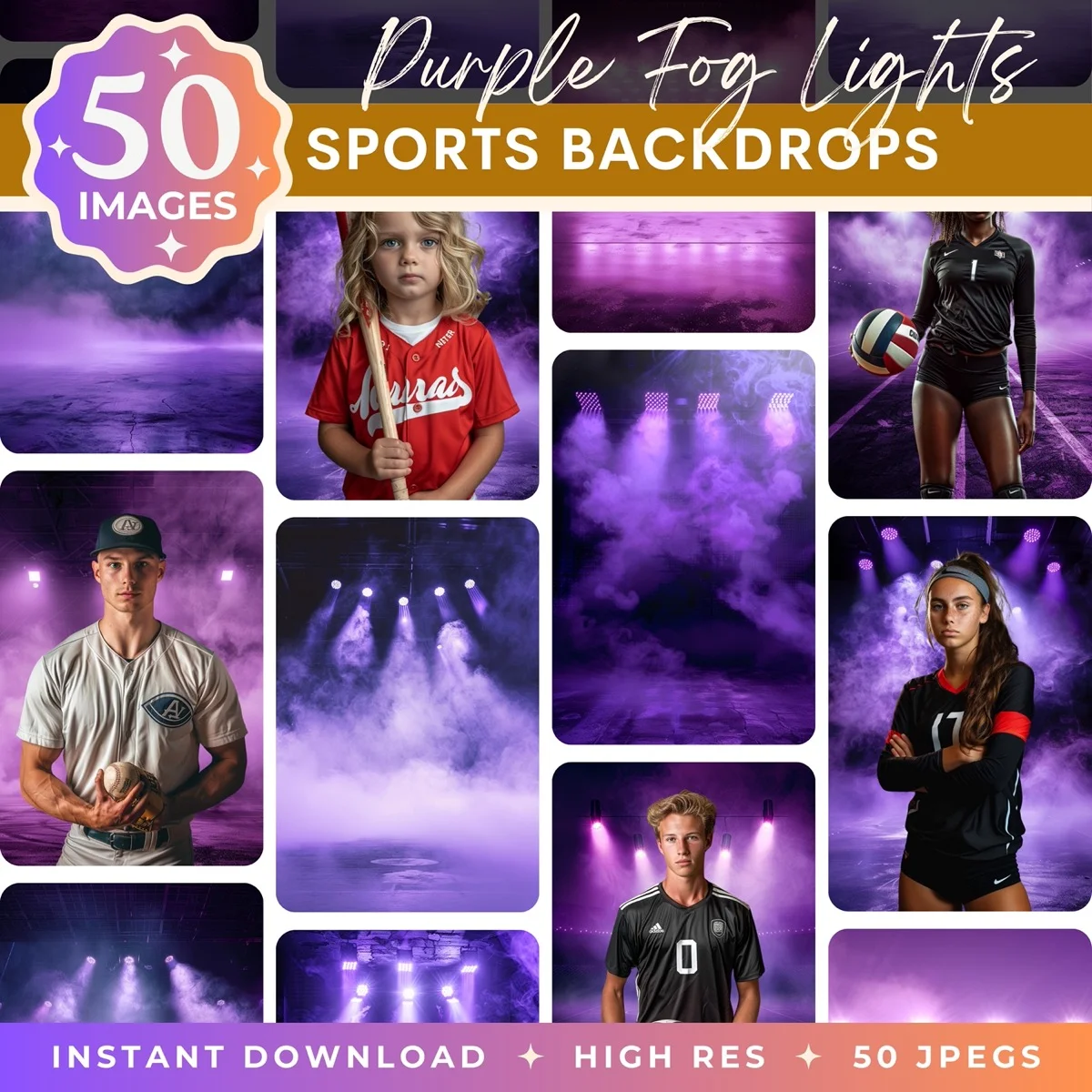
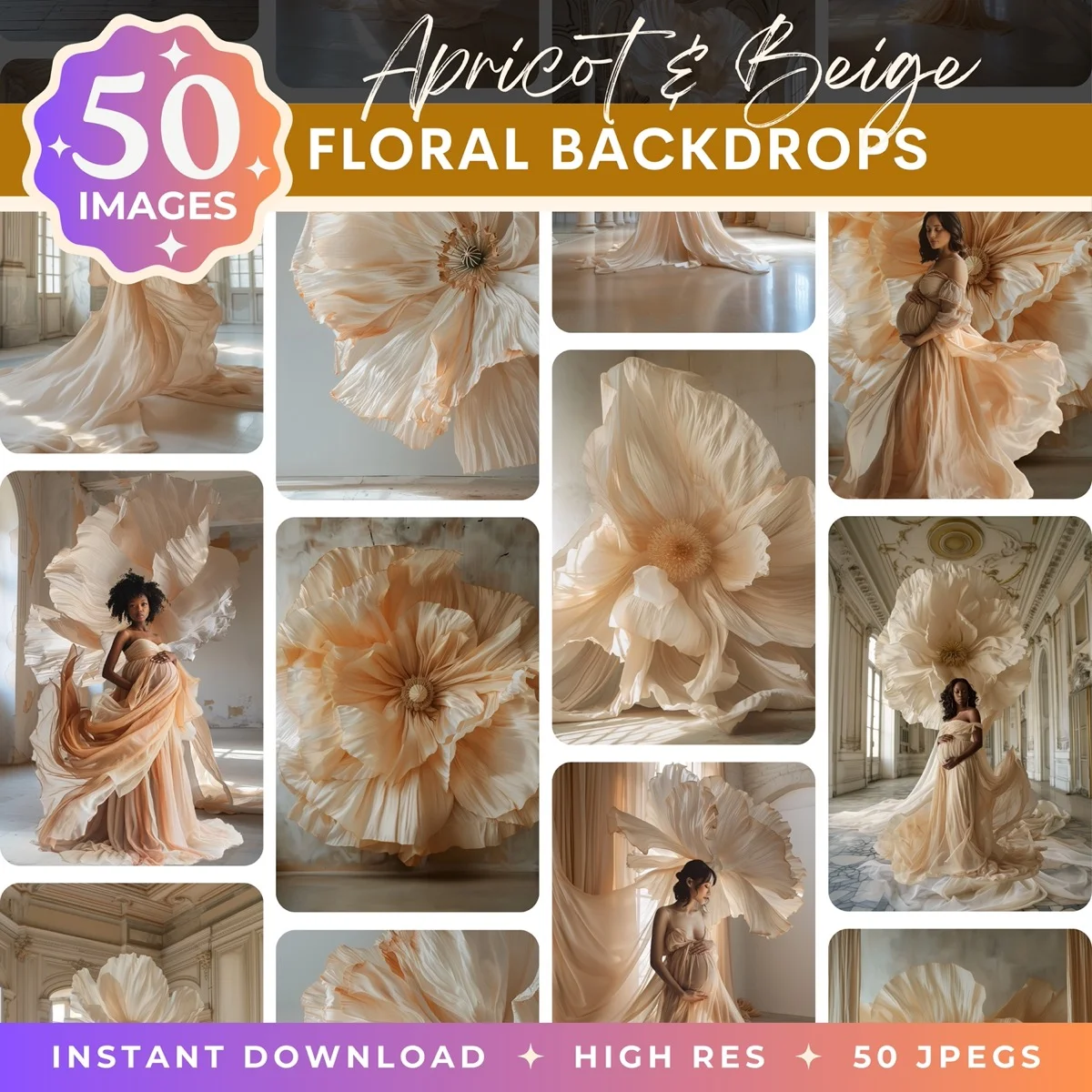
Browse our collection of premium digital photo backdrops. 50 high-resolution print-ready backgrounds in each pack. Instant download.
Browse Backdrops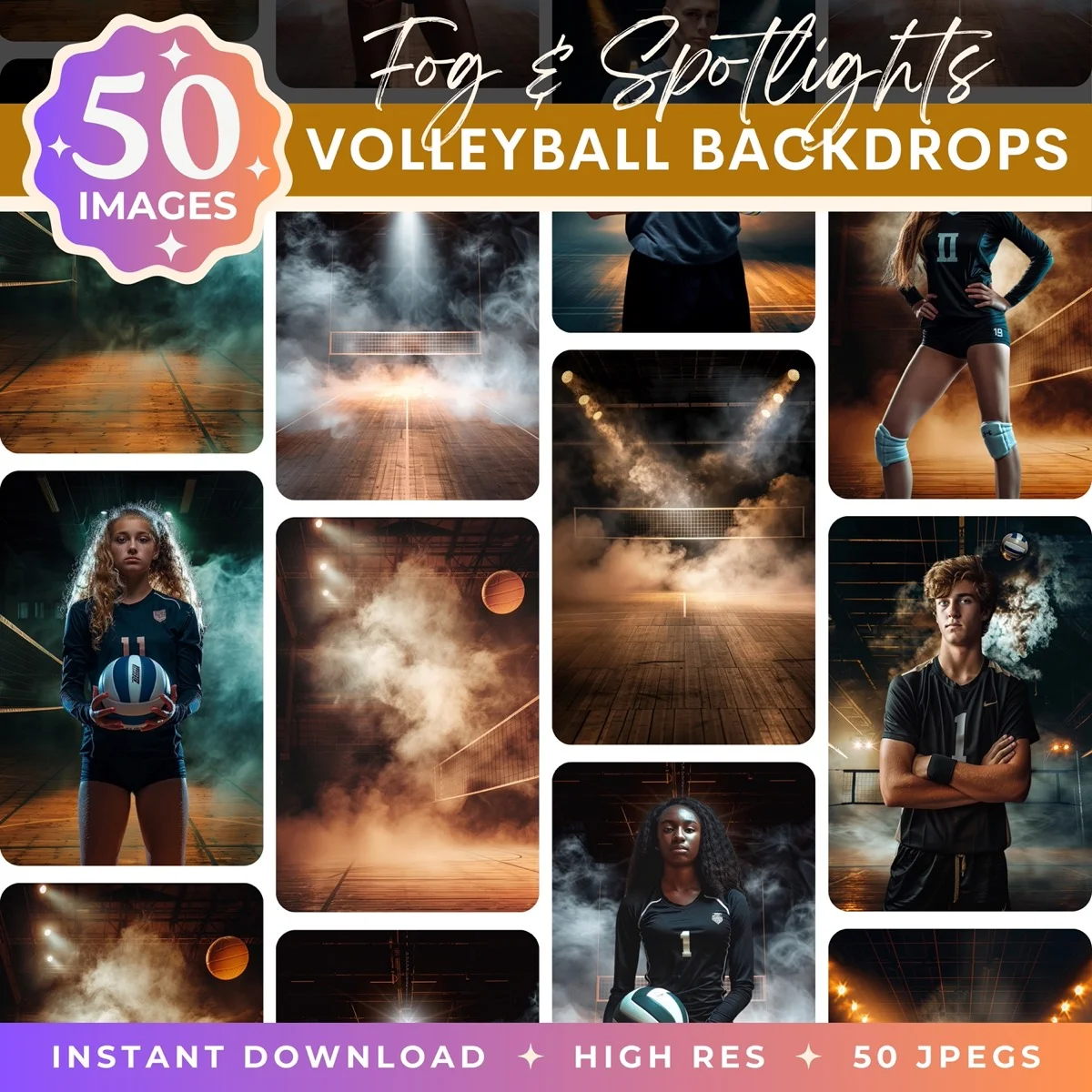

DIY Headshot Backgrounds That Look Professional
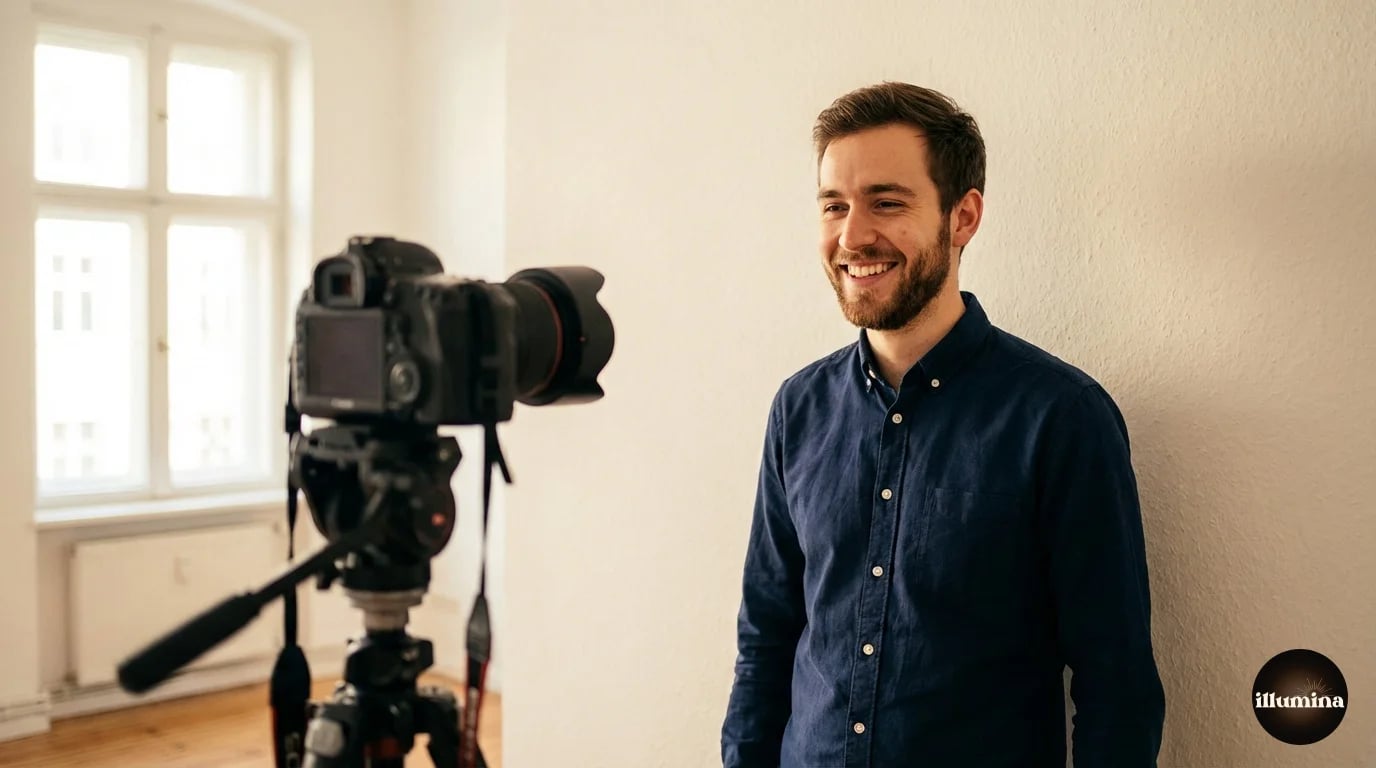
You don't need a studio to get a clean headshot background. Some of the best options are free or nearly free.
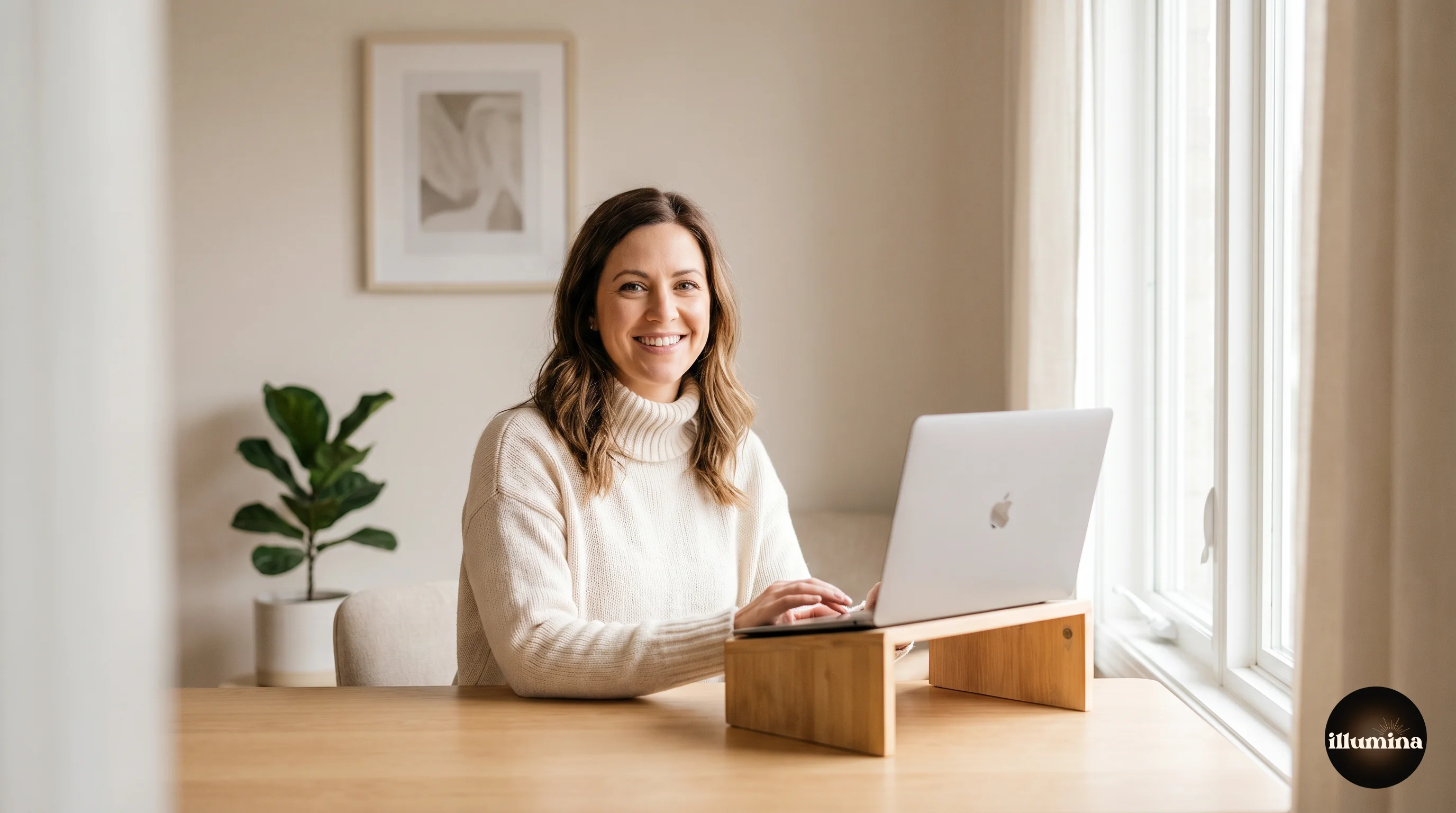
A plain painted wall in your house or office. The ideal colors are warm gray, sage, cream, or any muted neutral. Position yourself three to four feet in front of the wall so it falls slightly out of focus even with a phone camera. Side lighting from a window adds dimension.
A large piece of fabric or a bedsheet. Sounds cheap, but a wrinkle-free piece of muslin or linen in gray or cream, hung from a curtain rod or clamped to a door frame, produces a background indistinguishable from a studio backdrop. Iron it or steam it first. Wrinkles are the giveaway.
A doorway with depth behind you. Stand in a doorway with a room stretching out behind you. The depth creates natural bokeh and the doorframe adds subtle framing. This is one of the easiest DIY setups and it looks intentional.
Outdoor shade with a long background. Stand under a tree or awning with a parking lot, field, or building stretching out behind you. The distance blurs naturally. Just make sure the background isn't visually busy (parked cars, signage, pedestrians).
Iron your backdrop fabric before shooting. A single wrinkle across a solid background screams DIY in a way that a smooth surface never does. Five minutes with a steamer is the difference between "studio quality" and "bedsheet behind a Zoom call."
Virtual and Digital Backgrounds
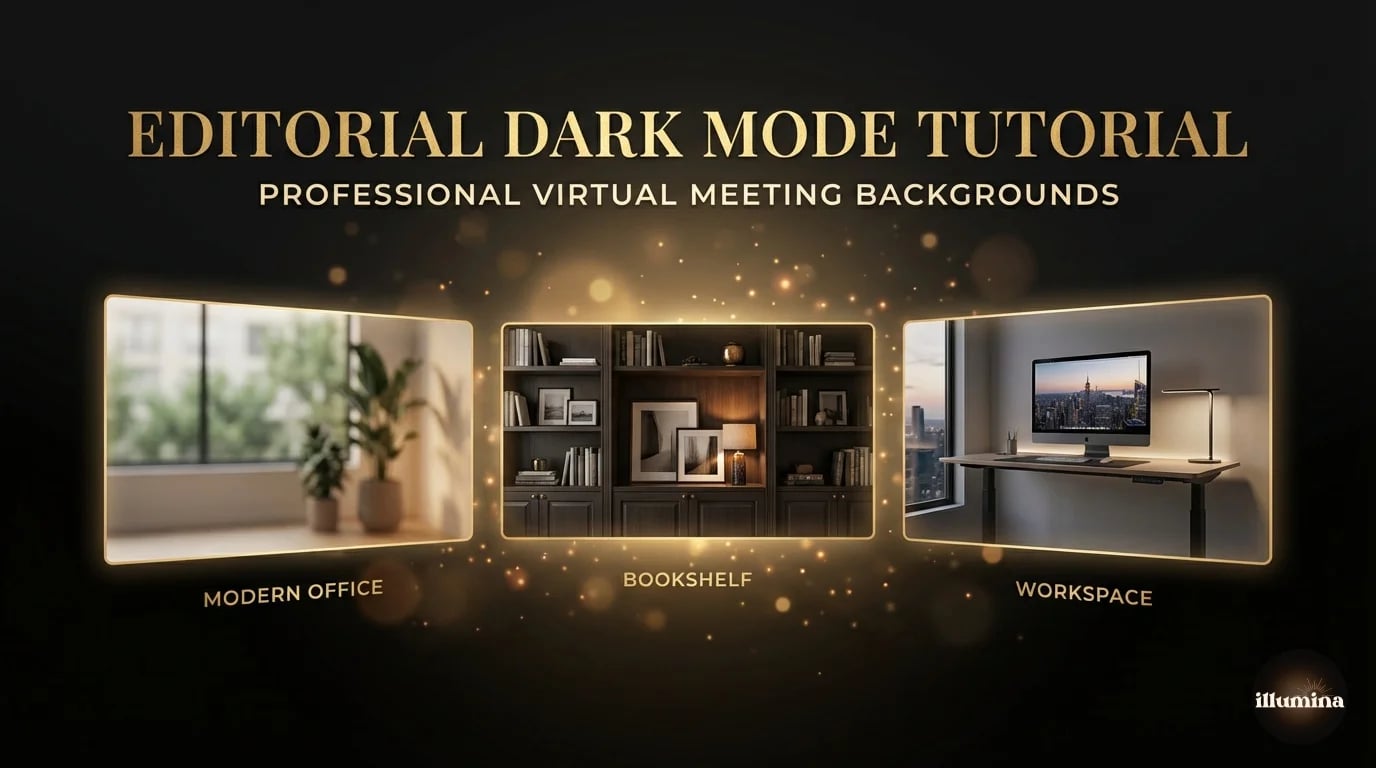
If you can't reshoot but need a better background, digital replacement is the fastest path. Remove the current background and drop in something professional.
For a quick fix, remove.bg or Canva's Background Remover will strip your current background in seconds. Then place the cutout onto a solid color, a stock office image, or a purpose-built headshot backdrop. We cover the full workflow in our transparent backgrounds guide and our Canva compositing guide.
For Zoom, Teams, and Google Meet calls, virtual backgrounds are built into the platform. Upload a clean office image, bookshelf, or branded background. The key to making virtual backgrounds look natural: sit in a well-lit room with strong front light and minimal backlighting. The AI edge detection works much better when there's good contrast between you and whatever's behind you.
For a more detailed walkthrough of virtual meeting backgrounds, see our Zoom backgrounds guide which covers setup, lighting, and the best background images for professional calls.
Lighting: The Thing That Matters More Than the Background
A perfect background with bad lighting still produces a bad headshot. And great lighting with a mediocre background still produces a usable one. If you're going to invest energy in one thing, invest it in lighting.
The simplest good lighting setup: face a large window during daytime with the window slightly to one side (about 45 degrees). This creates soft, directional light with gentle shadows that add dimension to your face. No equipment needed. No cost. And it looks better than most artificial lighting setups that cost hundreds of dollars.
Avoid overhead lighting (creates unflattering shadows under your eyes and nose), direct flash (washes out your features and creates harsh shadows on the wall behind you), and mixed lighting (warm lamp plus cool window creates an orange-and-blue color cast that's difficult to correct).
If you're shooting with a phone, turn off the flash. Always. Phone flash makes everyone look terrible. Use the window light method above and you'll get dramatically better results with zero equipment.
Compositing: Swap Your Background Without Reshooting
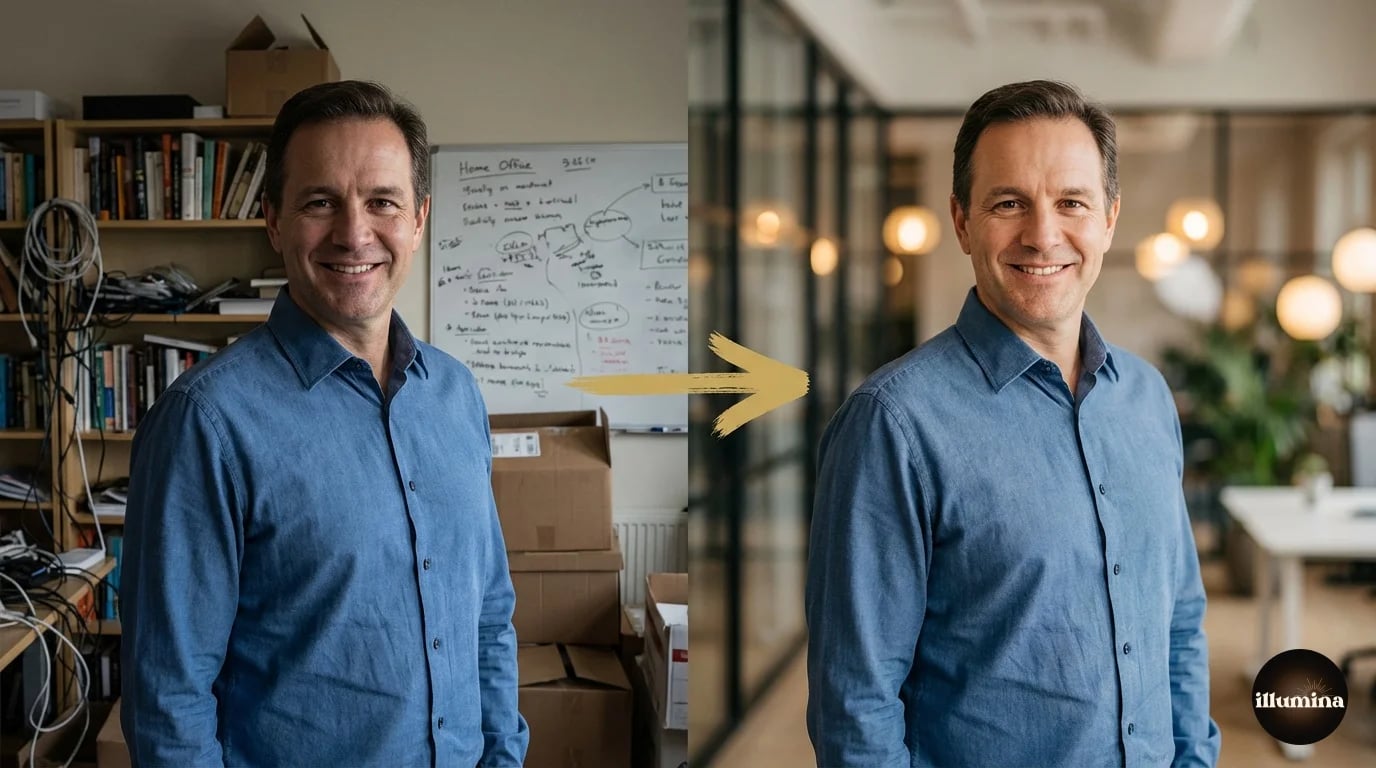
Already have a headshot you like but the background is wrong? You don't need to reshoot. Remove the background, drop in a new one, and adjust the color temperature to match. The whole process takes about five minutes in Canva or Photoshop.
The most common swap: replacing a messy home office or kitchen background with a clean, professional-looking office or solid color. This is what most people need and it's the easiest composite to pull off because the lighting in a typical home photo is similar enough to office lighting that the color matching is minimal.
For the step-by-step workflow, our Photoshop background removal guide covers every method from one-click AI to manual precision, and our Canva compositing guide walks through the no-Photoshop approach.
Common Headshot Background Mistakes
Using your living room, kitchen, or bedroom as the background without doing anything about it. Everyone can tell. The bookshelf is messy, the lighting is uneven, and there's a laundry basket in the corner. Either clean and style the space intentionally, or swap the background digitally.
Trees or poles growing out of your head. Classic composition mistake. Before you take the photo, check what's directly behind and above your head. A tree trunk, a lamp post, or a shelf edge that aligns with the top of your head creates a distracting visual merge. Step two feet to the left or right.
Too much background, not enough you. A headshot should be cropped from roughly mid-chest to above your head, with minimal background showing. If the viewer can see an entire room behind you, you're too far from the camera. Get closer or crop tighter.
Inconsistent backgrounds across a team. If your company has a team page, mismatched backgrounds look unprofessional. Some people against white, some against brick, some in their kitchen. Pick one background style and reshoot everyone, or use digital backgrounds to unify the look after the fact.
Using a virtual background without enough light on your face. Zoom and Teams virtual backgrounds work by detecting the edge between you and the background. In dim lighting, the AI loses your edges and you get a shimmering halo effect that makes you look like a poorly composited ghost. Front-light your face with a desk lamp or window before turning on the virtual background.
Choosing a background that contradicts your role. A beach sunset behind a bankruptcy attorney. A neon nightclub behind a pediatric surgeon. The background should align with the impression you want to create, not work against it. When in doubt, go neutral.
Check your headshot at thumbnail size. On LinkedIn, your photo renders at about 100x100 pixels in the feed. If your background is busy or your face doesn't stand out at that size, it's not working where it matters most.
Backgrounds for Headshots at Scale
If you're a photographer shooting corporate headshots for a team, consistency and speed are everything. Set up one background, one lighting position, and shoot everyone in the same spot. A collapsible gray or white muslin backdrop, two softboxes at 45 degrees, and a stool give you a repeatable setup that produces clean results for groups of 10 to 200.
For companies that want variety without multiple setups, shoot everyone against the same solid backdrop and swap backgrounds digitally afterward. This is faster than resetting a location shoot for each person and gives you infinite flexibility in post. One session, one setup, ten different background options delivered to each employee.
Digital backdrop packs designed for this kind of work include multiple office, studio, and neutral environments in a single set, all with matched lighting and perspective so they composite naturally with studio-lit portraits.
Clean professional settings for headshot compositing
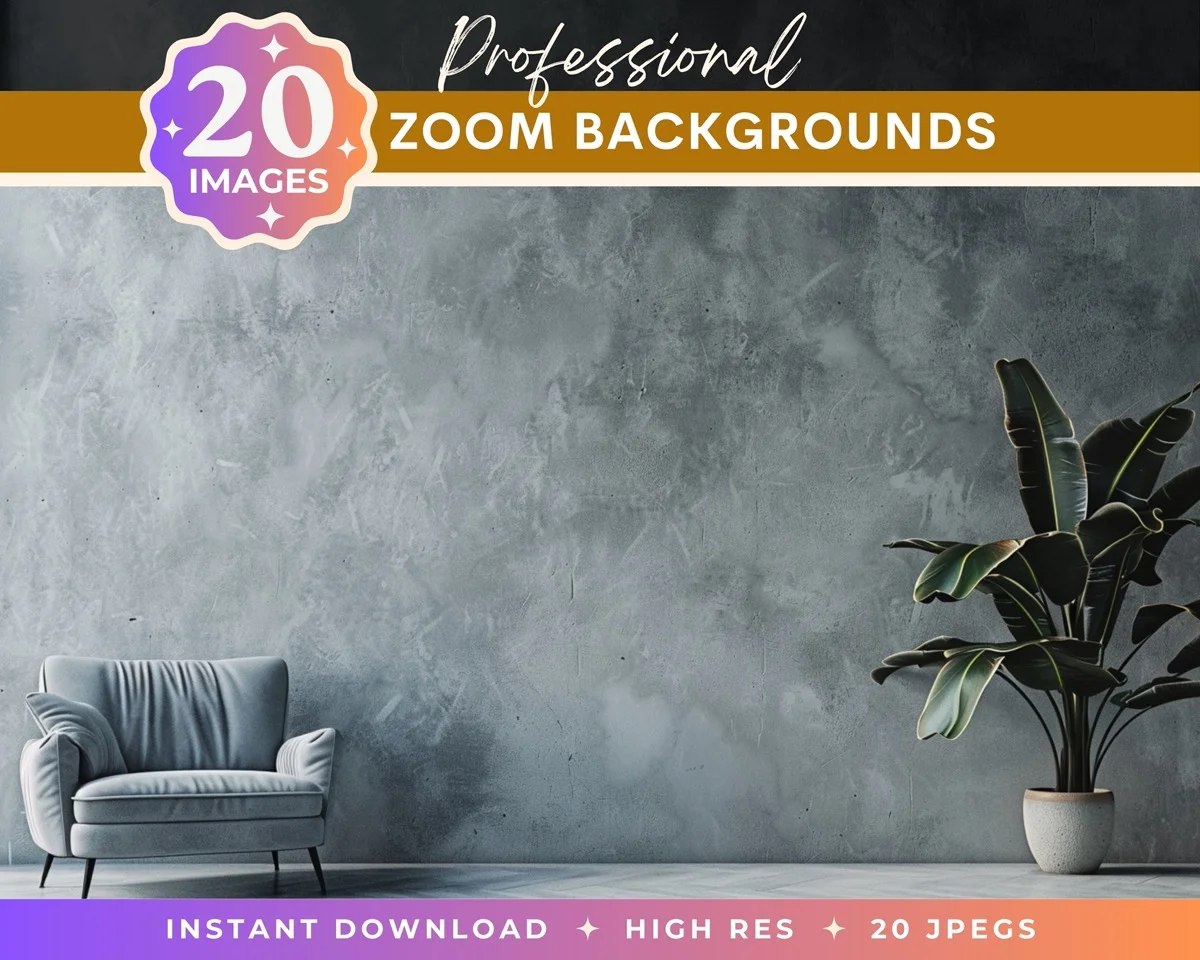
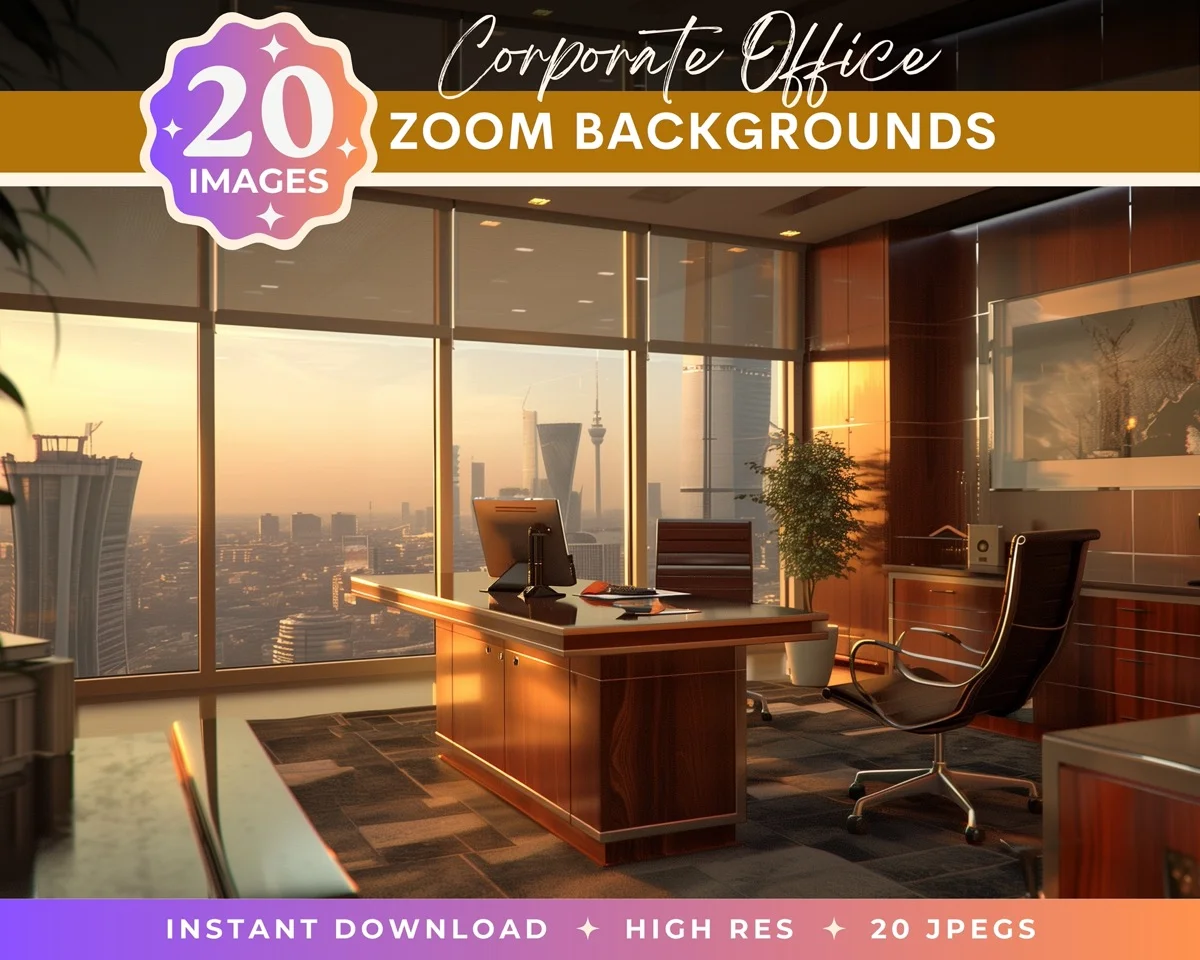
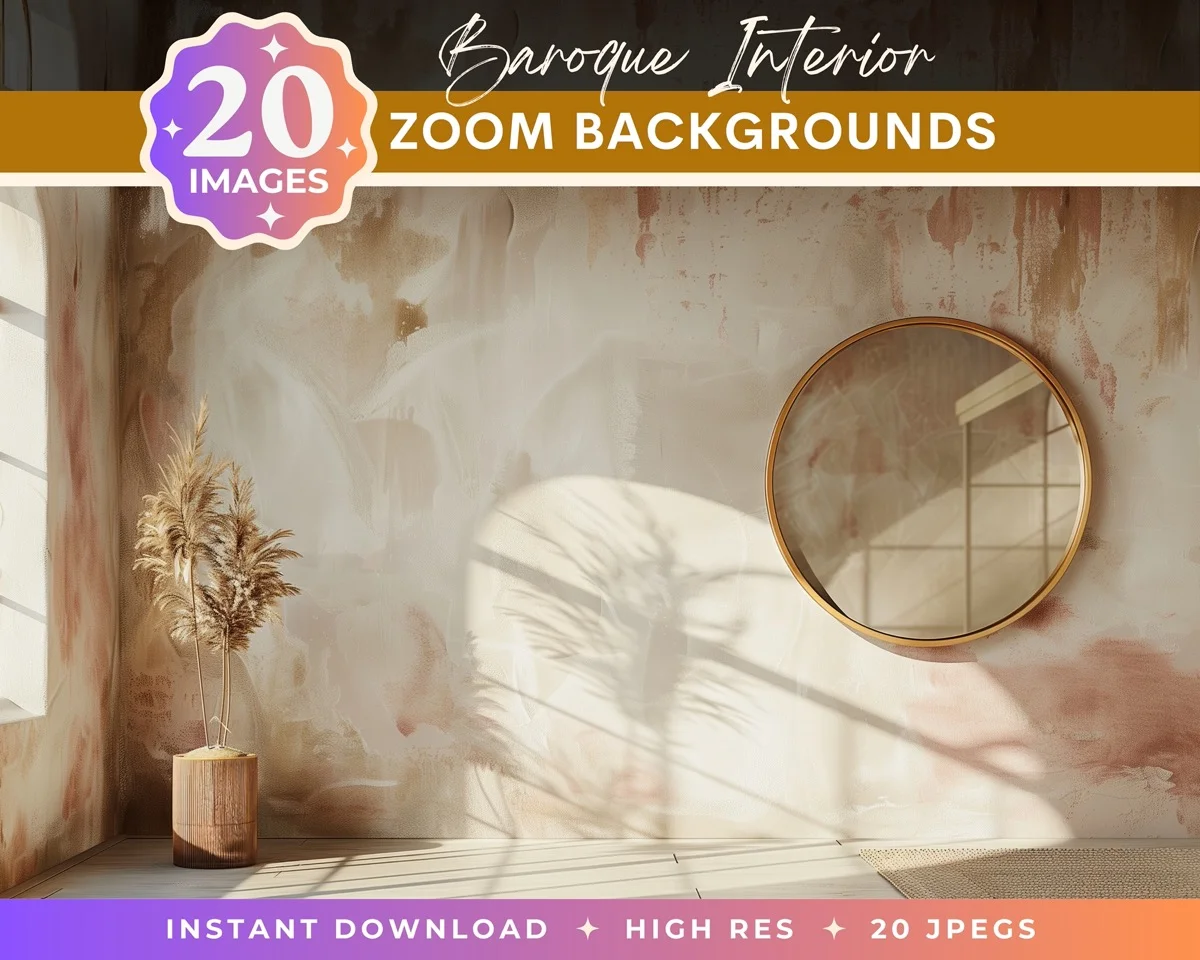
A professional headshot background doesn't need to be expensive or complicated. A clean wall, good window light, and a tight crop will outperform a fancy studio setup with bad lighting every time. Get the fundamentals right and the background takes care of itself. And if the background you have isn't the one you want, you can swap it in five minutes without booking another session. That's the real advantage of understanding your options.
Transform Your Photos
Give Your Photos the Wow Factor
Browse our collection of premium digital photo backdrops. 50 high-resolution print-ready backgrounds in each pack. Instant download.
Browse Backdrops